
Fixing something with a 40-minute repair video: get the steps, parts and tools first
A long DIY or repair video hides a short job. Here is how to pull out the tools, parts and steps before you pick up a wrench.
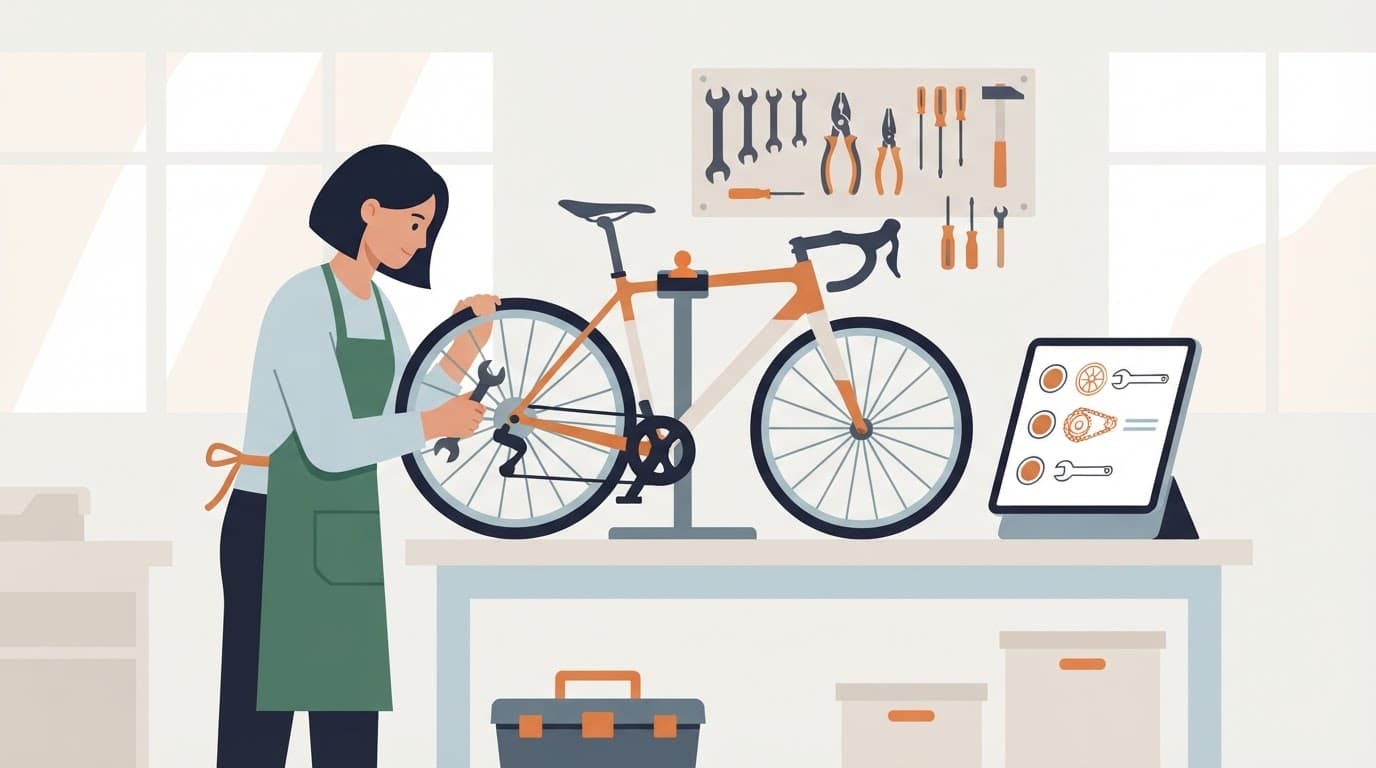
A long repair video usually contains a short list of tools, a short list of parts and a handful of steps. You can pull those out of the video in a few minutes with sum.video, then watch only the moments where your hands need to see what to do.
The situation
You are replacing a part on something at home: a bike drivetrain, a dishwasher pump, a drone motor. The best tutorial you found runs 40 minutes. The presenter explains the history of the model, shows two wrong ways first, chats about a sponsor, and only then gets to the job. You have one free evening and you do not want to find out at step 9 that you needed a tool you do not own.
What you need out of it
Three things, in this order:
- A tools and parts list, so you can check the garage or order before you start.
- The steps in order, short enough to follow with dirty hands.
- The exact moments worth watching, such as the one where the presenter shows how a clip snaps in.
You do not need the whole story. You need a checklist and a few clips.
Step by step with sum.video
- Paste the link. Open sum.video and paste the YouTube link, or put
sum.video/in front of the video's address. The video needs captions or a transcript. Most popular tutorials have auto-generated captions, which is enough. If yours has none, read what you can do when a video has no captions. - Read the key insights. You get the main points, each with a timestamp you can click. In a repair video these are typically the warnings, the order of work and the tips the presenter repeats. Scan them top to bottom first.
- Search the transcript for tools and parts. Open the transcript tab. It is searchable, so type "socket", "torque", "screw", "gasket" or the part name. Every hit is a line you can click to jump to that second. This is faster than guessing where the presenter listed what you need.
- Ask the chat. The chat answers from the video's transcript. Ask "List every tool and part mentioned, in the order they are used" and then "What mistakes does the presenter warn about?". Treat the answer as a draft list and check it against the clips.
- Open the key moments. Every summary comes with the 5 to 7 best parts of the video (2 to 4 for videos under 8 minutes), each with a title and a one-line summary. Pick the ones that show a hands-on step. Play all watches them back to back in YouTube's own player on the website and in the Chrome extension.
- Copy the result. Use Copy as Markdown to paste the summary, with its main points and timestamped chapters, into your notes app. Keep it on your phone in the workshop.
What you end up with
A short working document instead of a 40-minute commitment. For a made-up example, a video about replacing a bike's chain and cassette could become:
Tools: chain whip, cassette lockring tool, adjustable wrench, chain checker, degreaser.
Parts: new chain of the right speed count, new cassette.
Steps:
- Shift to the smallest cog, remove the rear wheel (about 03:10).
- Remove the lockring and old cassette (about 06:45).
- Fit the new cassette and torque the lockring (about 11:20).
- Size and join the new chain (about 18:30).
- Check shifting and adjust the limit screws (about 29:00).
Warnings: do not reuse the old quick link, check the chain length before cutting.
The timestamps are the part that matters. When step 4 goes wrong, you click straight to the moment in the video instead of scrubbing. For more on that, see YouTube summary with timestamps.
Make it reusable
If you repair or build things often, save these lists. Every summary you make is kept in your library, and the title search is free. A small library of "how I fixed X" summaries becomes a personal reference, a smaller version of the idea in a personal knowledge base from YouTube videos.
Where this falls short
Be honest about what a summary cannot do here.
- It works from the transcript. If the presenter says "put this one here" while pointing at a part, the words alone do not tell you which one. Always watch the key moment for any step where the picture matters.
- Part numbers and measurements can be misheard. Auto-generated captions sometimes get numbers, model names and torque values wrong. Check anything safety related, such as torque, voltage, gas or electrical work, against the manufacturer's manual.
- No captions, no summary. A video without captions or a transcript cannot be summarized.
- Free accounts have a weekly limit. The free plan includes 3 summaries and 3 chat messages a week, which fits one repair project. Pro ($4.99 a month, or $39.90 a year) removes the limit on text summaries. See pricing.
- It does not replace judgment. For anything involving gas lines, mains electricity or structural work, a summary is a way to prepare, not a reason to skip a professional.
If the tutorial is a series, a playlist summary gives you one combined overview and a watch order that marks each video watch, skim or skip.
A quick routine
- Paste the link and read the key insights.
- Search the transcript for tools and parts.
- Ask the chat for the ordered list and the warnings.
- Watch only the key moments that show hands-on steps.
- Copy the notes as Markdown and start the job.
This takes about five minutes, and you start with the right tools on the bench. For very long videos in general, the advice in how to summarize long YouTube videos applies as well.
Frequently asked questions
Can sum.video list the tools and parts from a repair video?
It can help. Search the transcript for tool and part names, or ask the chat to list everything mentioned in order. Treat the result as a draft and check it against the clips, because auto-generated captions can mishear names and numbers.
Does it work if the presenter only shows things on screen?
Only partly. A summary is built from the transcript, so anything shown but not said can be missed. Watch the key moments for steps where the picture matters.
What if the repair video has no captions?
A video without captions or a transcript cannot be summarized. Look for another tutorial on the same job that has captions.
Is it free to use for one repair project?
The free plan includes 3 summaries and 3 chat messages a week, with no credit card, which is usually enough for one project. Pro removes the limit on text summaries.
Can I keep the steps for next time?
Yes. Summaries are saved to your account and library, and you can copy a summary as Markdown into your own notes.
Related reading
 A 60-minute fitness or health video: turn it into a plan you can followPaste a long fitness or health video into sum.video and get the exercises, routine and key points with timestamps, so you can start instead of scrubbing.
 How accurate are AI YouTube summaries? 6 checks before you trust oneAI summaries of YouTube videos are usually good at the main points and weaker on details. Here are six quick checks to catch mistakes before you rely on one.
 A 2-hour "make money online" video: separate the method from the sales pitchTurn a long side hustle video into the steps, the costs and the pitch moments, so you can decide in 10 minutes whether to try it.
Latest posts
 How to add chapters to a YouTube video (and generate the timestamps)Add chapters to your YouTube video: the three rules, how to write the timestamps in the description, and how to generate them from the transcript.
- How accurate are AI YouTube summaries? 6 checks before you trust oneAI summaries of YouTube videos are usually good at the main points and weaker on details. Here are six quick checks to catch mistakes before you rely on one.
 sum.video Free vs Pro: which plan do you need?Free gives you 3 summaries a week and every core feature. Pro removes the limits. Here is how to tell which one fits the way you watch.