
YouTube video has no captions or transcript: what you can do
Why some YouTube videos cannot be summarized, how to check for captions in seconds, and the realistic options when a video has none.
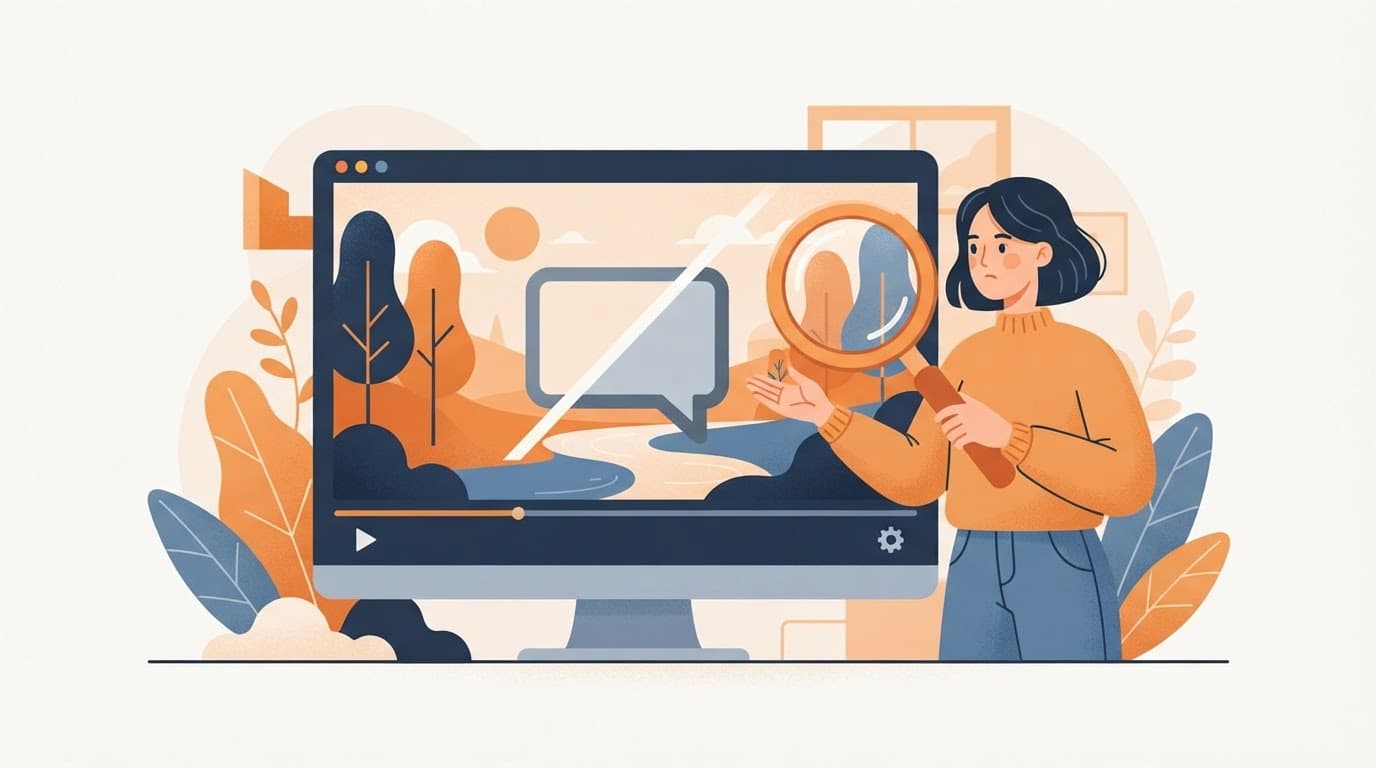
If a YouTube video has no captions and no transcript, an AI summarizer that works from the transcript, including sum.video, cannot summarize it. You have a few realistic options: check whether captions exist in another form, ask for them, or take notes another way. This article explains why it happens and what to do.
Why a missing transcript blocks a summary
sum.video reads the public transcript of a video. It never downloads the video and never accesses your YouTube account. That is good for privacy and speed, but it has a clear consequence: no captions or transcript means nothing to read. The same applies to the Transcript API, which returns existing YouTube captions, manual or auto-generated, and does not transcribe audio. Videos without captions, live streams, and private or removed videos return a 404 no_transcript error, and a request that returns no transcript costs nothing.
Common reasons a video has no transcript
- Captions are turned off by the uploader. The video exists, but the channel disabled them.
- Automatic captions are not ready yet. A freshly uploaded video can take a while before captions appear.
- The audio is hard to transcribe. Music, heavy noise or a rare language can leave a video without usable captions.
- It is a live stream that has not ended. Replays are a different case; see summarizing livestream replays.
- The video is private, removed or restricted. Only public videos work.
How to check in a few seconds
- Open the video on YouTube and look at the player controls for the captions button.
- Open the description and look for a transcript option.
- Or paste the link into the sum.video homepage. If there is no transcript, you see that straight away.
Opening a summary that already exists does not use your weekly quota.
What to do when there is no transcript
| Situation | Best next step |
|---|---|
| Video is new | Wait a few hours and try again |
| Uploader disabled captions | Comment or message to ask them to enable captions |
| You need the content today | Look for another upload of the same talk with captions |
| It is a live stream | Wait for the replay and try that |
| Content is vital | Watch it, and keep your own timestamped notes |
Some more detail on each.
Wait and retry
If the video is only hours old, automatic captions may simply not exist yet. Try again later the same day.
Ask the uploader
Creators often do not know viewers rely on captions. A polite comment asking to turn them on works more often than you would expect, and it helps every viewer.
Look for another copy
Talks, lectures and tutorials are often reuploaded, clipped or published by a second channel. Search the title and speaker. If another upload has captions, summarize that one.
Use a different tool for audio
sum.video summarizes YouTube videos only and relies on transcripts. If the content only exists as audio or a local file, a tool that transcribes audio fits better. sum.video does not do that, and it is better to say so than to promise it.
What not to do
- Do not trust a summary from a source that guesses. If a tool produces a summary of a video it could not read, it is inventing content. A clear message that there is no transcript is more honest.
- Do not paste random transcripts. Text from a different video leads to a summary of the wrong thing.
How to avoid the problem next time
- When you build a reading list, summarize videos to notes soon after you find them, while it is easy to find an alternative.
- For channels you follow, subscribe inside sum.video. It checks subscribed channels every morning and lists new videos from the last 14 days. With Pro, new videos from up to 10 channels are summarized automatically.
- If you use the API in an app, handle the no_transcript error as a normal outcome: show a message and move on.
When a transcript exists but the summary feels thin
That is a different issue. Auto-generated captions can contain errors in names and technical terms. The transcript tab in a summary is searchable and each line is clickable, so you can check the exact words. For a summary that seems too brief, see why an AI summary can feel too short.
The short version
No captions means no summary from a transcript-based tool. Check for captions, wait if the video is new, ask the uploader, look for another copy, or watch it yourself. Plans and limits are on the pricing page: all 17 summary languages are included on the Free plan, which has 3 summaries a week and no credit card.
A quick checklist
Before you give up on a video, run through this list:
- Is the captions button visible in the YouTube player?
- Is the video public, finished uploading and not a live stream in progress?
- Has it been online for more than a few hours?
- Does another upload of the same content exist with captions?
- Can you reach the uploader and ask for captions?
If every answer points to no, the honest conclusion is that this video cannot be summarized from its transcript today. Note it down, check again in a day or two, and move on to the next video on your list. Many videos that fail on the first day work later, once the automatic captions have been generated.
Frequently asked questions
Why can not sum.video summarize my YouTube video?
Most often the video has no captions or transcript. sum.video reads the public transcript, so without one there is nothing to summarize.
Does sum.video transcribe audio?
No. It uses existing YouTube captions or transcripts only. The Transcript API also returns existing captions and does not transcribe audio.
Does a failed attempt cost anything in the API?
No. In the Transcript API, requests that return no transcript or fail on our side cost nothing.
Can I summarize a live stream?
Not while it is live. Live streams return no transcript through the API. Wait for the replay and try that.
What is the fastest way to get the content of a video without captions?
Look for another upload with captions, ask the uploader to enable them, or watch the video and keep your own timestamped notes.
Related reading
 sum.video Free vs Pro: which plan do you need?Free gives you 3 summaries a week and every core feature. Pro removes the limits. Here is how to tell which one fits the way you watch.
 How to summarize a YouTube video on your iPhone or Android phoneShare a YouTube video to the sum.video app, or paste the link in your phone's browser, and read the key points with timestamps in minutes.
 Understand a YouTube video in a language you do not speak: 5 practical optionsCaptions, translated summaries and transcripts: how to get the content of a foreign-language YouTube video, and where each option falls short.
Latest posts
 How to add chapters to a YouTube video (and generate the timestamps)Add chapters to your YouTube video: the three rules, how to write the timestamps in the description, and how to generate them from the transcript.
 How accurate are AI YouTube summaries? 6 checks before you trust oneAI summaries of YouTube videos are usually good at the main points and weaker on details. Here are six quick checks to catch mistakes before you rely on one.
- sum.video Free vs Pro: which plan do you need?Free gives you 3 summaries a week and every core feature. Pro removes the limits. Here is how to tell which one fits the way you watch.