
Turn YouTube videos into notes you will actually reuse
A practical method for turning a YouTube video into short, checkable notes, using a summary with timestamps as the first draft and your own words for the final version.
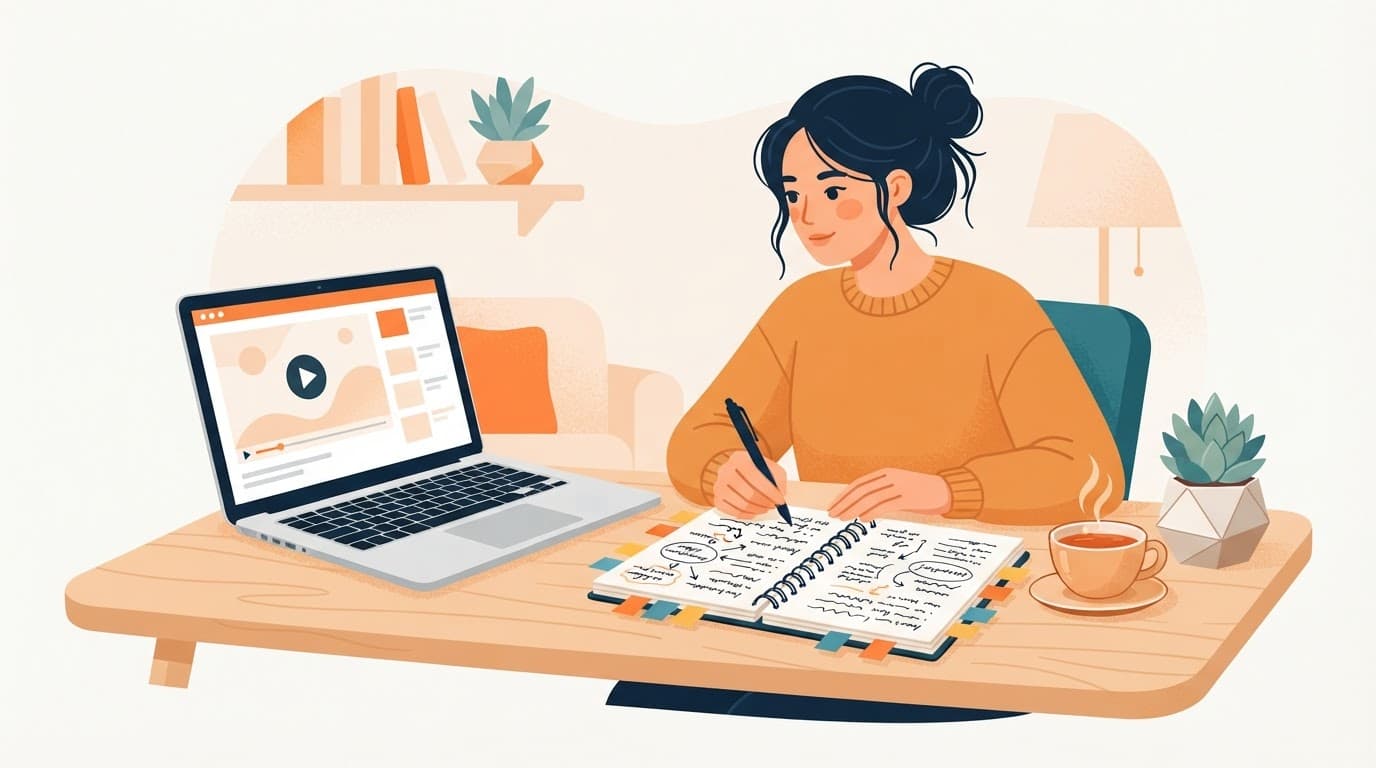
A good note from a video is short, in your own words, and points back to the moment it came from. A summary gets you most of the way there in seconds. The last step, deciding what matters and writing it down, is still yours, and that is the step that makes notes stick.
The 4-step method
1. Get a structured first draft
Paste the video link on sum.video or click Summarize next to the player with the Chrome extension. You get key insights, each with a clickable timestamp, plus the full transcript.
2. Pick three to five points
Read the insights and keep only the ones you would use or explain to someone. For a 60-minute lecture, five points is plenty. For a tutorial, it might be the steps and one warning.
3. Check each point at its timestamp
Click the timestamp and listen for 20 to 30 seconds. This catches the rare summary error and, more usefully, reminds you of the example the speaker used, which is often what you need to remember the idea.
4. Rewrite in your own words
Write each point as one or two sentences in your notes app, with the timestamp link next to it. If you need exact wording for a quote, copy it from the transcript tab.
Why the rewrite step matters
Copying feels productive but is not the same as understanding. In Mueller and Oppenheimer's experiments, students who typed lectures nearly word for word did worse on conceptual questions than students who had to summarize by hand (Psychological Science, 2014). A later replication found the difference smaller and less consistent (Morehead et al., 2019), but neither found that copying helps.
AI help works the same way. In a 2025 study of 30 people taking notes on lecture videos, "Intermediate AI yields the highest post-test scores and Automated AI the lowest", even though participants preferred the automated setup (Chen et al., 2025). Let the summary find the structure; do the final step yourself.
Templates by video type
Lecture or course
- Topic and the question it answers
- Three key ideas, each with a timestamp
- One example or derivation to rewatch
Tutorial
- Goal
- Steps, numbered, with timestamps
- Gotchas the presenter mentions
Podcast or interview
- Guest and why they are worth hearing
- Two or three claims, each with a timestamp
- What you agree or disagree with
Keep notes findable
Save the points you want to come back to in a Wisdom collection on sum.video, or paste them into Notion, Obsidian or your notes app. For a fuller system, see build a personal knowledge base from YouTube videos.
Notes in another language
You can get the summary in any of 17 languages, whatever the video's language. That makes it easier to take notes in your own language from an English lecture, or the other way round. See YouTube summary in your language.
Sources
- Mueller and Oppenheimer, The Pen Is Mightier Than the Keyboard, Psychological Science, 2014
- Morehead, Dunlosky and Rawson, How Much Mightier Is the Pen Than the Keyboard for Note-Taking?, Educational Psychology Review, 2019
- Chen, Ruan, Ju, Yap, Wang, More AI Assistance Reduces Cognitive Engagement, 2025
Frequently asked questions
How do I turn a YouTube video into notes?
Summarize the video on sum.video, pick the three to five insights that matter to you, check each one at its timestamp, and rewrite them in your own words in your notes app.
Should I just copy the AI summary into my notes?
Use it as a first draft. Research on note-taking suggests that putting ideas in your own words helps you understand and remember them better than copying.
Can I get the full transcript for my notes?
Yes. The transcript tab on sum.video lets you search and copy the exact wording, which helps for quotes and citations.
Can I make notes in a different language from the video?
Yes. Pick any of 17 languages for the summary, whatever language the video is in.
How many videos can I turn into notes for free?
Free accounts get 3 summaries a week. Pro removes the weekly limit.
Related reading
 Build a personal knowledge base from YouTube videosTurn the YouTube videos you learn from into a searchable library of summaries and saved points, with a weekly recap, so you can find an idea again months later.
 Best YouTube transcript APIs compared: sum.video, Supadata, Transcribr and the Python libraryFour ways to get YouTube transcripts in code, compared on price, limits and reliability: sum.video, Supadata, Transcribr and youtube-transcript-api.
 How to get a YouTube transcript with an API (curl, Python, JavaScript)Fetch any public YouTube transcript with one HTTP request. Working curl, Python and JavaScript examples, output formats, error codes and costs.
Latest posts
- Best YouTube transcript APIs compared: sum.video, Supadata, Transcribr and the Python libraryFour ways to get YouTube transcripts in code, compared on price, limits and reliability: sum.video, Supadata, Transcribr and youtube-transcript-api.
- How to get a YouTube transcript with an API (curl, Python, JavaScript)Fetch any public YouTube transcript with one HTTP request. Working curl, Python and JavaScript examples, output formats, error codes and costs.
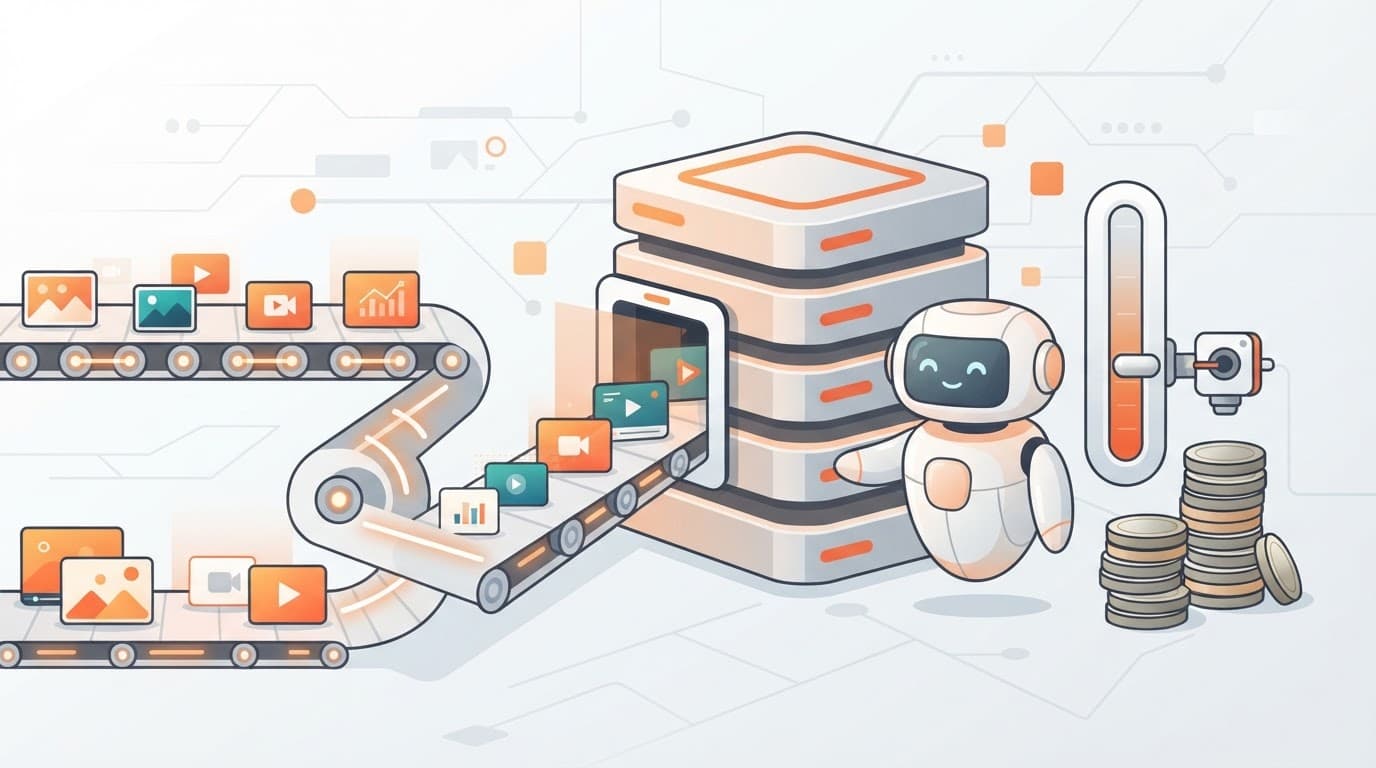 YouTube transcripts for a RAG app at scale: credits, auto top-up and budgetsA developer ingests 10,000 YouTube videos into a RAG app. See the cost, the rate limit math, and how auto top-up and budgets keep the spend predictable.