
YouTube summary guides
Step-by-step answers on summarizing, searching and studying YouTube videos.
 How to get a YouTube transcript with an API (curl, Python, JavaScript)Fetch any public YouTube transcript with one HTTP request. Working curl, Python and JavaScript examples, output formats, error codes and costs.
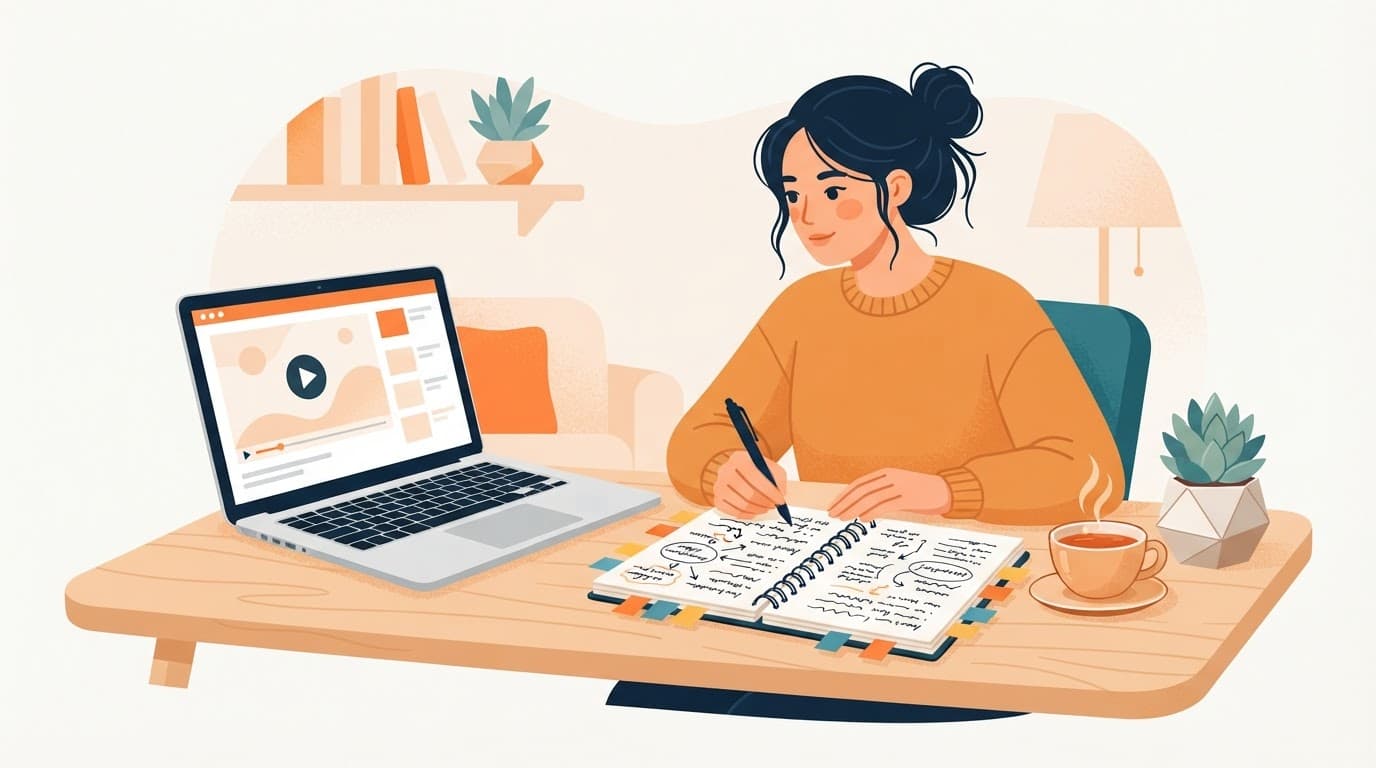 Turn YouTube videos into notes you will actually reuseA practical method for turning a YouTube video into short, checkable notes, using a summary with timestamps as the first draft and your own words for the final version.
 How to summarize a YouTube livestream replayMissed a three-hour livestream? Once the replay has captions, you can summarize it with timestamps and jump to the parts that matter. Here is when that works and when it does not.
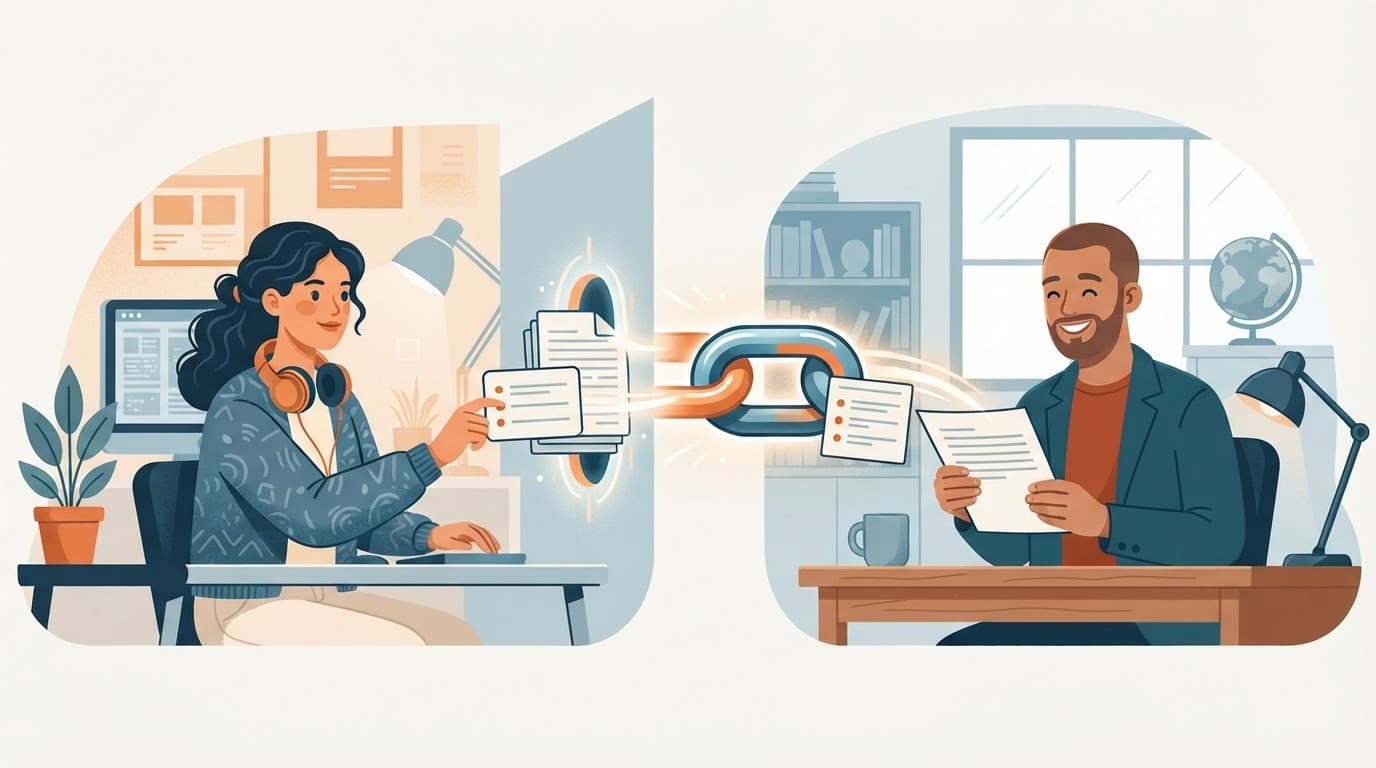 How to share a YouTube video's summary and transcript with one linkSend someone a link that opens the video's summary, timestamps and transcript together, so they can read the point before they decide to watch.
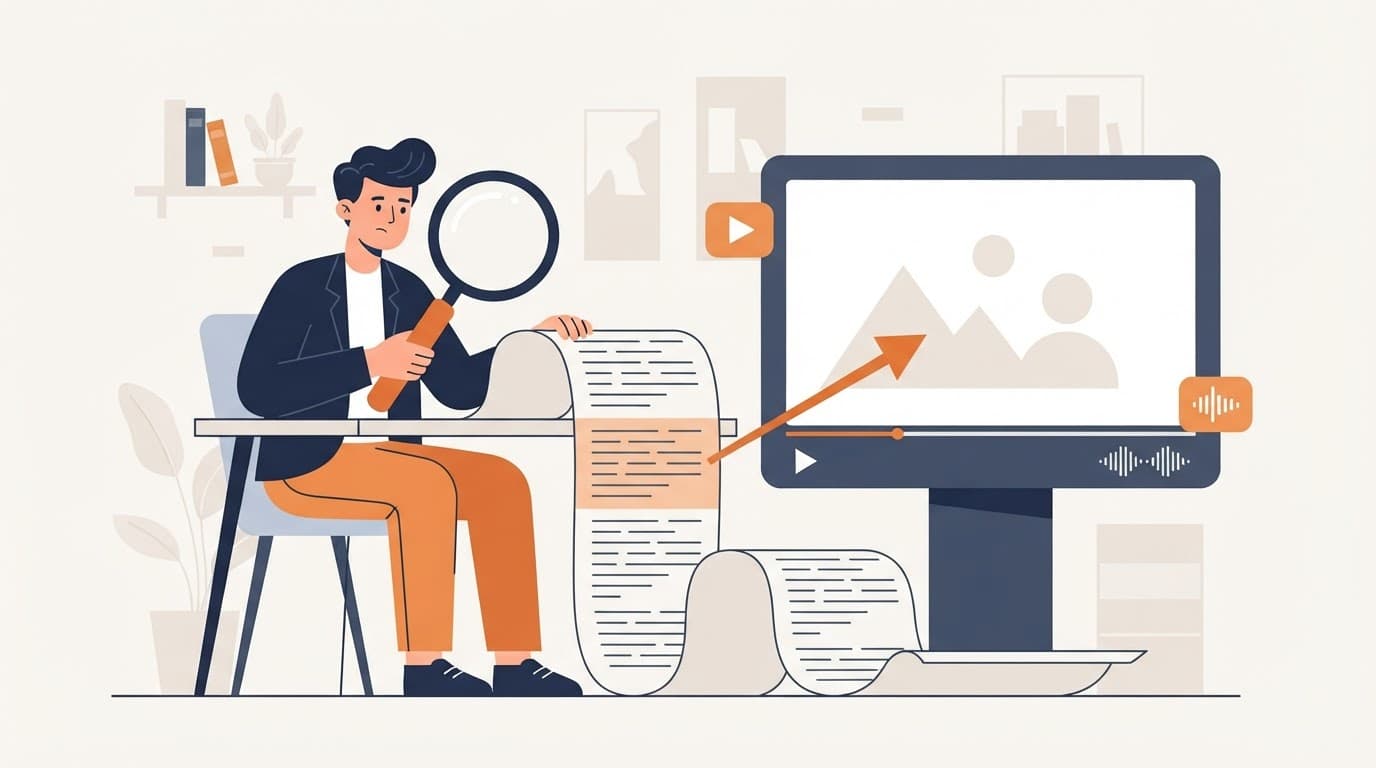 How to search inside a YouTube video's transcriptFind the exact moment a word, name or number is said in a YouTube video by searching its transcript, then jump straight to it. Free methods and a faster one.
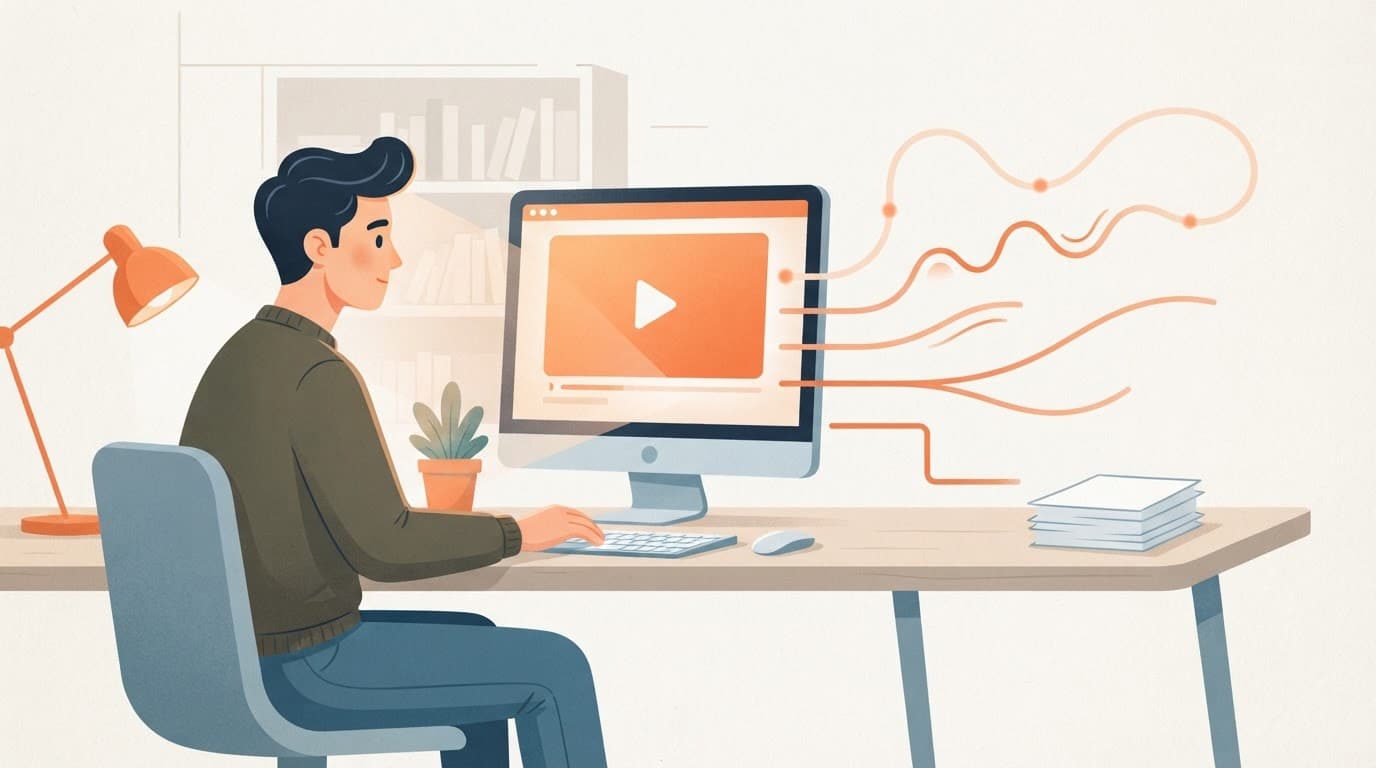 How to summarize a YouTube video (4 ways, from free to one click)Four ways to summarize a YouTube video, from reading YouTube's own transcript to a one-click summary with timestamps, and how to check the summary is right.
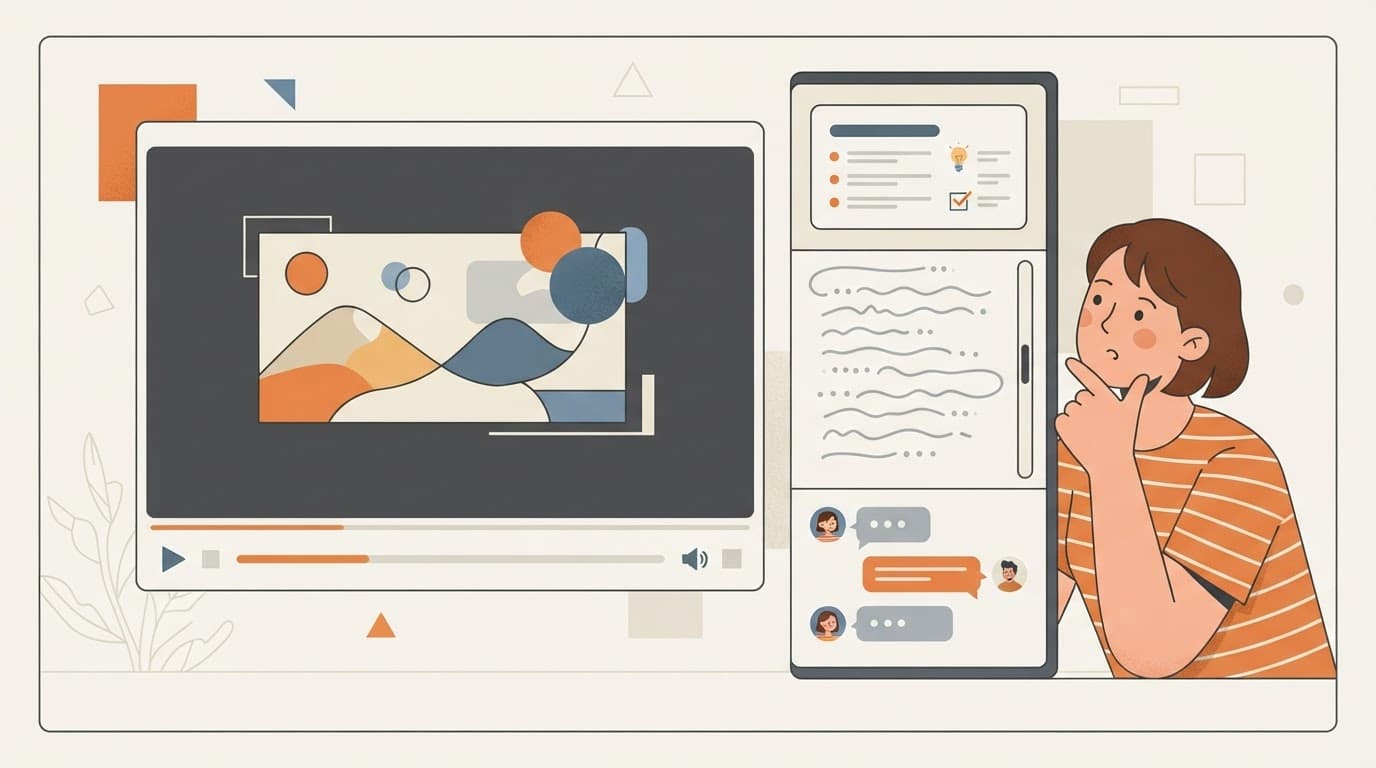 YouTube transcript + AI summary + chat in one sidebar“Captions/transcripts are junk” alone. sum.video pairs an integrated transcript with the summary (and 3 free chats a week) so you can ask follow-ups without leaving the video.
 YouTube summary with timestamps: jump to the parts you needViewers want to “jump to the parts YOU need (timestamps)” and “choose where to jump in.” sum.video adds clickable timestamped navigation beside the player.
 Translate YouTube summaries into your language (17 languages)“Translate summaries into your language” when the video is English and you are not. sum.video writes summaries and translations across 17 languages.
 YouTube AI summaries are one paragraph and basically useless: here’s a better optionNative YouTube summaries are often “one paragraph and basically useless.” sum.video gives you instant, detailed summaries with insights, timestamps, and a transcript, not just a blurb.
 How to summarize long YouTube videos without scrubbing for two hours“I’m not tryna skip through a 20 minute video looking for 2 quick bits of info.” For 1–2 hour lectures and podcasts, sum.video skips fluff and surfaces the insight you actually need.
 Avoid YouTube clickbait: see what the video really covers before you watch“Avoid clickbait: see what the video really covers.” sum.video lets you read a summary first so the next-video gamble stops wasting your evening.