
How to share a YouTube video's summary and transcript with one link
Send someone a link that opens the video's summary, timestamps and transcript together, so they can read the point before they decide to watch.
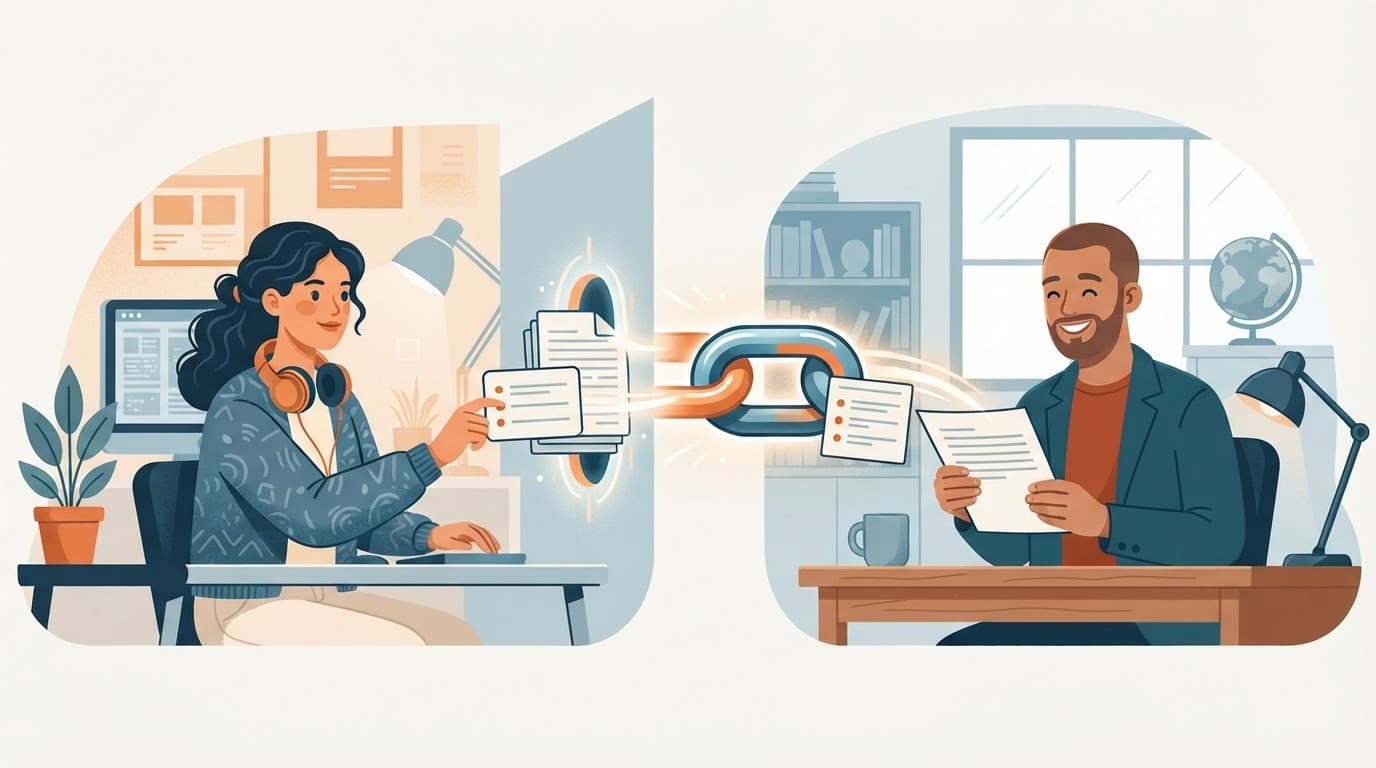
Sending someone a 70-minute video with "watch from about 40 minutes in" rarely works. A link that opens the video's summary and transcript lets them read the point in a minute and jump to the exact moment if they want more.
What the other person gets
A sum.video summary page shows, next to the video:
- Key insights, each with a timestamp that jumps to that moment
- The transcript, searchable, with click-to-jump on every line
- Audio of the summary, on Pro, for people who would rather listen
They can read an existing summary without an account.
How to share, step by step
- Open the video on sum.video. Paste the YouTube link on the homepage, click Summarize in the Chrome extension, or use the share sheet in the iOS or Android app.
- When the summary is ready, use Copy to copy a short message with the title, the first insight and the link, or Send to open your device's share sheet.
- Paste it into Slack, email, WhatsApp, or a document.
Why a summary link beats a raw transcript
YouTube's own transcript is available "for any video that has captions" under Show transcript in the description (YouTube Help), but it only lives inside the YouTube page. You cannot link straight to it, and a pasted wall of transcript text is hard to read in a chat.
A summary link gives the reader structure first. In a study of long lecture videos, people browsed and skimmed better with a format that split the video into sections with short summaries tied to points in the video (Pavel et al., UIST 2014).
Good uses
- Team updates: share a conference talk with the three insights that matter to your project.
- Study groups: send the lecture summary before a review session. See summarizing lectures for studying.
- Family and friends: check what a viral health or money video really says before you forward it. See avoiding clickbait.
- Research notes: link the summary next to a quote so others can check the context. See search YouTube transcripts.
Share in the reader's language
Summaries are available in 17 languages. Switch the page language before you copy the link and the other person gets the summary in that language, whatever the video's language. More in YouTube summary in your language.
Limits to know
- The video must be public and have captions or a transcript.
- A summary page is public and tied to the video, not to your account.
- Free accounts get 3 new summaries a week. Opening a summary that already exists does not use your quota. Pro removes the weekly limit.
Sources
- YouTube Help, View video transcripts
- Pavel, Reed, Hartmann, Agrawala, Video Digests, UIST 2014
Frequently asked questions
Can I share a YouTube transcript as a link?
Yes. On sum.video, the summary page of a video includes its transcript tab. Share that page and the other person gets the summary, the timestamps and the transcript.
Does the person I send it to need an account?
No, they can read a summary that already exists without signing in. They need an account only to generate a new summary or use the chat.
What does the shared message contain?
Copy gives you the video title, the first key insight and the link. Send opens your device's share sheet with the same content.
Can I share a summary in another language?
Yes. Each summary page has a language in its address, so the person sees the summary in the language you shared.
Is sharing private?
Summaries are public pages tied to the video, not to you. Your name and your account are not shown on them.
Related reading
 Best YouTube transcript APIs compared: sum.video, Supadata, Transcribr and the Python libraryFour ways to get YouTube transcripts in code, compared on price, limits and reliability: sum.video, Supadata, Transcribr and youtube-transcript-api.
 How to get a YouTube transcript with an API (curl, Python, JavaScript)Fetch any public YouTube transcript with one HTTP request. Working curl, Python and JavaScript examples, output formats, error codes and costs.
 YouTube transcripts for a RAG app at scale: credits, auto top-up and budgetsA developer ingests 10,000 YouTube videos into a RAG app. See the cost, the rate limit math, and how auto top-up and budgets keep the spend predictable.
Latest posts
- Best YouTube transcript APIs compared: sum.video, Supadata, Transcribr and the Python libraryFour ways to get YouTube transcripts in code, compared on price, limits and reliability: sum.video, Supadata, Transcribr and youtube-transcript-api.
- How to get a YouTube transcript with an API (curl, Python, JavaScript)Fetch any public YouTube transcript with one HTTP request. Working curl, Python and JavaScript examples, output formats, error codes and costs.
- YouTube transcripts for a RAG app at scale: credits, auto top-up and budgetsA developer ingests 10,000 YouTube videos into a RAG app. See the cost, the rate limit math, and how auto top-up and budgets keep the spend predictable.