
Build a personal knowledge base from YouTube videos
Turn the YouTube videos you learn from into a searchable library of summaries and saved points, with a weekly recap, so you can find an idea again months later.
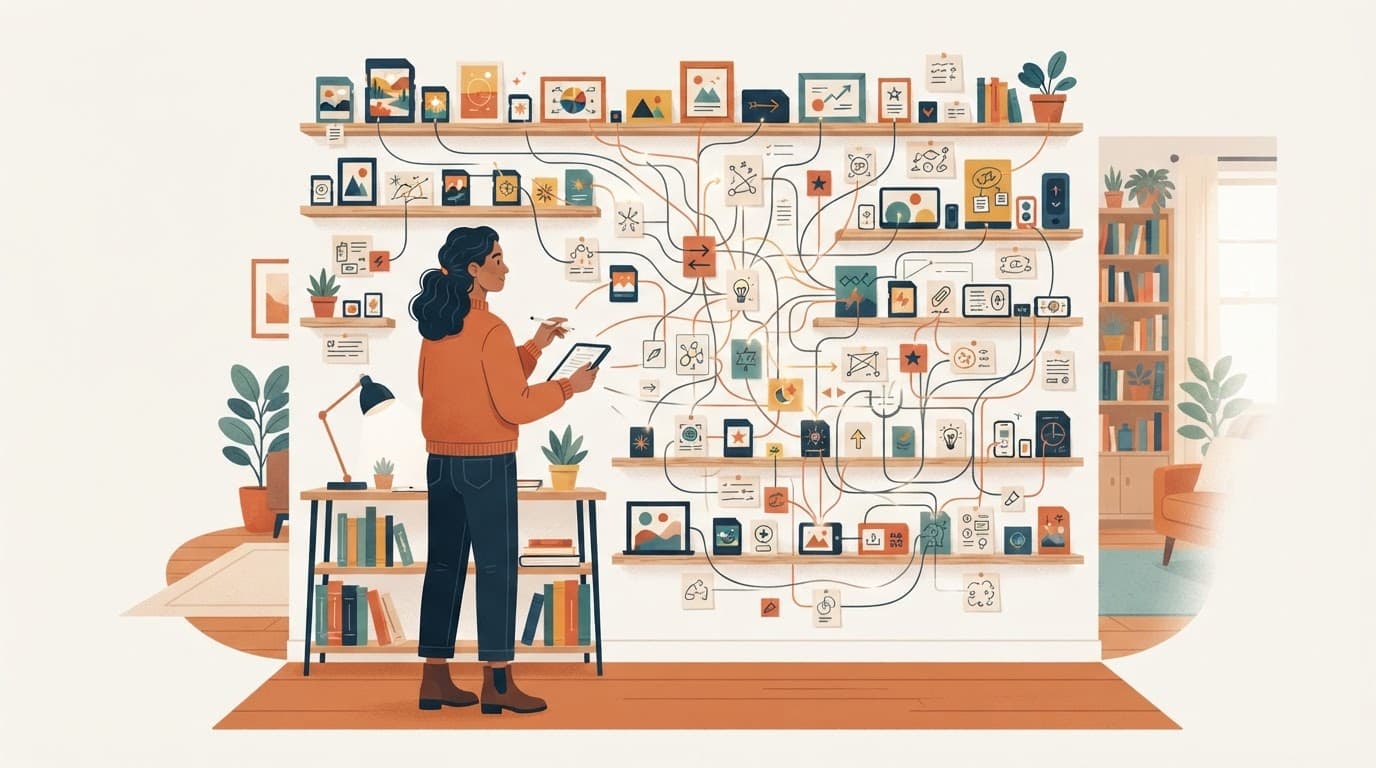
Most of what we learn from YouTube is gone within a week. You remember that a video explained something well, but not which video or where in it. A small knowledge base fixes that: one place where each useful video has a summary, the points you cared about, and a link back to the exact moment.
What a video knowledge base needs
- A summary per video, so you can tell months later what it covered.
- The points you actually care about, saved separately from the full summary.
- A link to the source moment for every point, so you can check it instead of trusting your memory.
- A regular review, or the library turns into a graveyard.
How to build one with sum.video
Step 1: summarize as you watch
Paste the link on sum.video or click Summarize in the Chrome extension next to the player. You get key insights with timestamps, the full transcript and a chat. The summary is saved to your account.
Step 2: save the points worth keeping
Open the save menu on a point and add it to a Wisdom collection. Free accounts save to a default collection; Pro lets you create named collections such as "Sales calls", "Machine learning course" or "Recipes".
Step 3: review with the Sunday recap
Every week sum.video can put together a Sunday recap: up to seven points from the videos you summarized that week, each linking back to its summary. Five minutes on Sunday is enough to decide what to keep.
Step 4: go back to the source
When you need an idea again, open the saved point, read its summary, and click the timestamp. If you need the exact words, search the transcript. See search YouTube transcripts.
Why saving points beats saving whole videos
Bookmarking a video saves the container, not the idea. Writing the idea down is what helps you keep it: in a well-known set of experiments, students who took notes by hand, and had to put ideas in their own words, did better on conceptual questions than students who typed lectures word for word (Mueller and Oppenheimer, 2014). A later replication found the difference smaller and less consistent than first reported (Morehead, Dunlosky and Rawson, 2019), so treat it as a nudge to put ideas in your own words, not as a rule about pens.
A summary is a starting point, not a replacement for that step. The same applies to AI help in general: in a 2025 experiment on note-taking from lecture videos, moderate AI support led to the best test scores and fully automated notes to the worst (Chen et al., 2025). Use the summary to find what matters, then save the few points you would explain to someone else.
A simple structure that lasts
- One collection per project or subject, not per channel.
- Three points per video at most. If everything is saved, nothing stands out.
- Rewrite a point in one line in your notes app when it really matters.
Using it with other tools
sum.video has no direct Notion or Obsidian sync. Copy the summary or transcript text and paste it into your notes. You can also ask about a video from ChatGPT or Claude with the sum.video connector.
For study-specific tips, see summarize YouTube lectures for studying and summarize videos to notes.
Sources
- Mueller and Oppenheimer, The Pen Is Mightier Than the Keyboard, Psychological Science, 2014
- Morehead, Dunlosky and Rawson, How Much Mightier Is the Pen Than the Keyboard for Note-Taking?, Educational Psychology Review, 2019
- Chen, Ruan, Ju, Yap, Wang, More AI Assistance Reduces Cognitive Engagement, 2025
Frequently asked questions
How do I save what I learn from YouTube videos?
Summarize each video on sum.video, then save the points worth keeping to a Wisdom collection. Your summaries stay in your account and every point links back to its moment in the video.
What is a Wisdom collection?
A named list of individual points you saved from sum.video summaries. Each saved point opens the summary it came from.
Is the Wisdom library free?
Free accounts can save points to the default collection. Creating more collections needs Pro.
What is the Sunday recap?
A weekly digest of up to seven points from the videos you summarized that week, each linking back to its summary.
Can I export my summaries to Notion or Obsidian?
Copy the summary or transcript text and paste it in. sum.video has no direct Notion or Obsidian sync.
Related reading
 Turn YouTube videos into notes you will actually reuseA practical method for turning a YouTube video into short, checkable notes, using a summary with timestamps as the first draft and your own words for the final version.
 Best YouTube transcript APIs compared: sum.video, Supadata, Transcribr and the Python libraryFour ways to get YouTube transcripts in code, compared on price, limits and reliability: sum.video, Supadata, Transcribr and youtube-transcript-api.
 How to get a YouTube transcript with an API (curl, Python, JavaScript)Fetch any public YouTube transcript with one HTTP request. Working curl, Python and JavaScript examples, output formats, error codes and costs.
Latest posts
- Best YouTube transcript APIs compared: sum.video, Supadata, Transcribr and the Python libraryFour ways to get YouTube transcripts in code, compared on price, limits and reliability: sum.video, Supadata, Transcribr and youtube-transcript-api.
- How to get a YouTube transcript with an API (curl, Python, JavaScript)Fetch any public YouTube transcript with one HTTP request. Working curl, Python and JavaScript examples, output formats, error codes and costs.
 YouTube transcripts for a RAG app at scale: credits, auto top-up and budgetsA developer ingests 10,000 YouTube videos into a RAG app. See the cost, the rate limit math, and how auto top-up and budgets keep the spend predictable.