
How accurate are AI YouTube summaries? 6 checks before you trust one
AI summaries of YouTube videos are usually good at the main points and weaker on details. Here are six quick checks to catch mistakes before you rely on one.
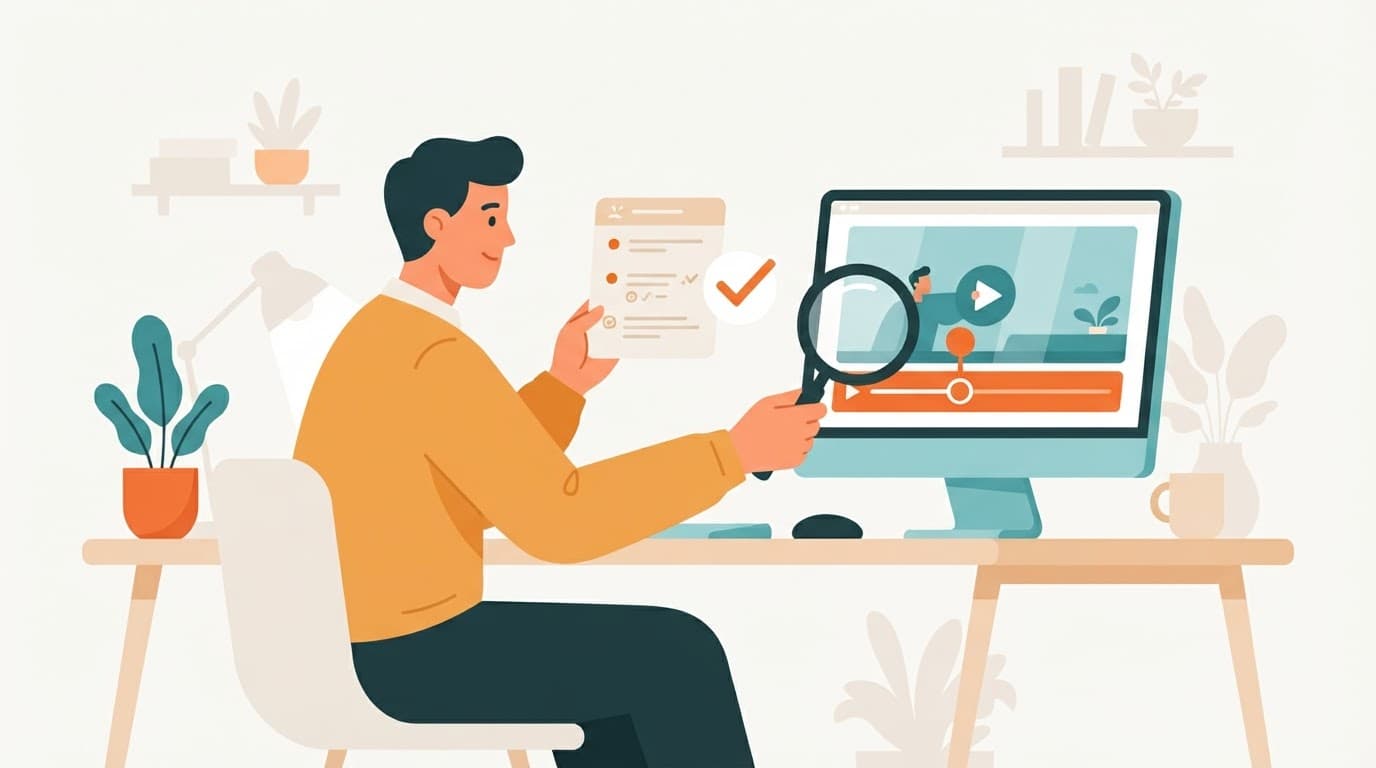
An AI summary of a YouTube video is accurate enough to decide what to watch and to recall the main points, but not accurate enough to quote numbers, names or advice from without checking. The good news: checking takes a minute if the summary links back to the video.
This article explains where errors come from, which kinds of videos are riskier, and six checks you can run on any summary, whatever tool made it.
Where mistakes come from
A summarizer does not watch the video. It reads the transcript, which is the text of the captions, and writes a shorter version. That gives two places for things to go wrong.
The transcript can be wrong. Many videos only have automatic captions. YouTube says these are made by machine learning and that their quality may vary. Mispronunciations, accents, dialects, background noise and several people talking at once all cause errors. A summary built on a wrong word will repeat it with confidence.
The summary can compress too much. Turning an hour into a page means dropping things. A good summary drops the repetition. A weak one drops the conditions ("this works, but only if..."), the exceptions and the caveats, and then the advice sounds more certain than the speaker made it.
Nothing the video shows on screen without saying it aloud is in the transcript. A chart, a recipe on a slide or code typed during a tutorial may be missing from the summary.
Which videos are riskier
| Video type | Risk | Why |
|---|---|---|
| Talk, lecture, interview with clear audio | Lower | The transcript is usually close to what was said |
| Numbers, prices, dosages, dates | Higher | One wrong digit changes the meaning |
| Heavy accents, noise, several speakers | Higher | The captions get names and terms wrong |
| Opinion and commentary | Medium | The summary can turn "maybe" into "is" |
| Visual tutorials | Medium | Much of the content is on screen, not in speech |
Six checks that take a minute
1. Click a timestamp for every point you will act on
The most useful feature of a summary is a link from each point to the moment in the video. sum.video gives every key insight a clickable timestamp that jumps to that moment. Listen to those ten seconds. If the speaker says what the summary says, the point is sound. If not, you found an error in one click. The guide on summaries with timestamps shows how this works.
2. Search the transcript for the exact number or name
If a figure, a name or a term matters, do not trust the summary's wording. Open the transcript tab, search for it and read the sentence around it. The transcript in sum.video is searchable, and you can click any line to jump to it. More on this in how to search inside a transcript.
3. Look for missing conditions
Ask yourself what the speaker would say to "when does this not work?". Then ask the chat about the video: "What caveats or exceptions does the speaker mention?" The chat is answered from the transcript, so it is a quick way to find qualifiers the summary dropped. If the answer is "none mentioned", watch the relevant section yourself.
4. Spot-check the captions themselves
Skim the transcript for odd words, especially names, brand names and technical terms. Strange words in a few places mean the captions are weak for this video, so treat every detail in the summary with more care. If the video has no captions at all, it cannot be summarized, which is a limit and not an error. See what to do when a video has no captions.
5. Compare with a second source
For anything that affects money, health or a decision, do not rely on one video, however well it is summarized. The comment summary shows what viewers agree on and push back on, which can reveal a mistake the creator made. Comparing several videos on the same question also helps: sum.video can take 2 to 10 links and show where they agree and where they differ.
6. Treat the summary as an index, not the source
Use the summary to decide what to watch, then watch that part. The key moments feature plays the 5 to 7 best parts of a video back to back, so you hear the speaker's own words and not only the paraphrase. This is the safest habit: the summary points, the video proves.
What a summary cannot tell you
Accuracy to the transcript is not the same as truth. If the speaker is wrong, a faithful summary will be faithfully wrong. A summary tells you what a video claims, not whether the claim holds. For that you need the checks above and a second source. The article on how to avoid clickbait covers the related problem of titles that promise more than the video says.
A quick routine
- Read the summary to see whether the video is worth your time.
- For each point you plan to use, click its timestamp and listen.
- Search the transcript for any number or name.
- Ask the chat for caveats and exceptions.
- For decisions that matter, check a second source.
This adds a couple of minutes to a summary, and it is still far faster than watching a long video end to end. You can try it on any public video with captions by pasting the link on the sum.video homepage. Free accounts get 3 summaries a week, and opening a summary that already exists does not use the quota.
Sources
Frequently asked questions
Are AI YouTube summaries accurate?
They are usually good at the main points and weaker on exact numbers, names and caveats. Click the timestamp behind any point you plan to rely on and listen to that moment.
Why does an AI summary sometimes get a word or name wrong?
The summary is built from the video's captions. If those are automatic captions, accents, noise or overlapping speech can cause errors, and the summary repeats them.
Can a summary miss things shown on screen?
Yes. A summarizer reads the transcript, so anything shown only visually, such as a slide, a chart or typed code, may not be in the summary.
How can I verify a point in a sum.video summary?
Each key insight has a clickable timestamp that jumps to that moment in the video. You can also search the transcript tab and ask the chat, which answers from the transcript.
If a summary is faithful, does that mean the video is right?
No. A faithful summary reports what the speaker claimed, not whether it is true. For decisions about money or health, check a second source.
Related reading
 A 2-hour "make money online" video: separate the method from the sales pitchTurn a long side hustle video into the steps, the costs and the pitch moments, so you can decide in 10 minutes whether to try it.
 Stock market commentary on YouTube: how to separate claims from opinionsLong market commentary videos mix facts, forecasts and opinions. Here is a method to summarize them, check the claims and keep only what you can act on.
 A 60-minute fitness or health video: turn it into a plan you can followPaste a long fitness or health video into sum.video and get the exercises, routine and key points with timestamps, so you can start instead of scrubbing.
Latest posts
 How to add chapters to a YouTube video (and generate the timestamps)Add chapters to your YouTube video: the three rules, how to write the timestamps in the description, and how to generate them from the transcript.
 sum.video Free vs Pro: which plan do you need?Free gives you 3 summaries a week and every core feature. Pro removes the limits. Here is how to tell which one fits the way you watch.
 How to summarize a YouTube video on your iPhone or Android phoneShare a YouTube video to the sum.video app, or paste the link in your phone's browser, and read the key points with timestamps in minutes.