
How to summarize YouTube comments and see what viewers really think
Read what thousands of viewers agree on and push back on without scrolling. Here is how to summarize YouTube comments and how far to trust the result.
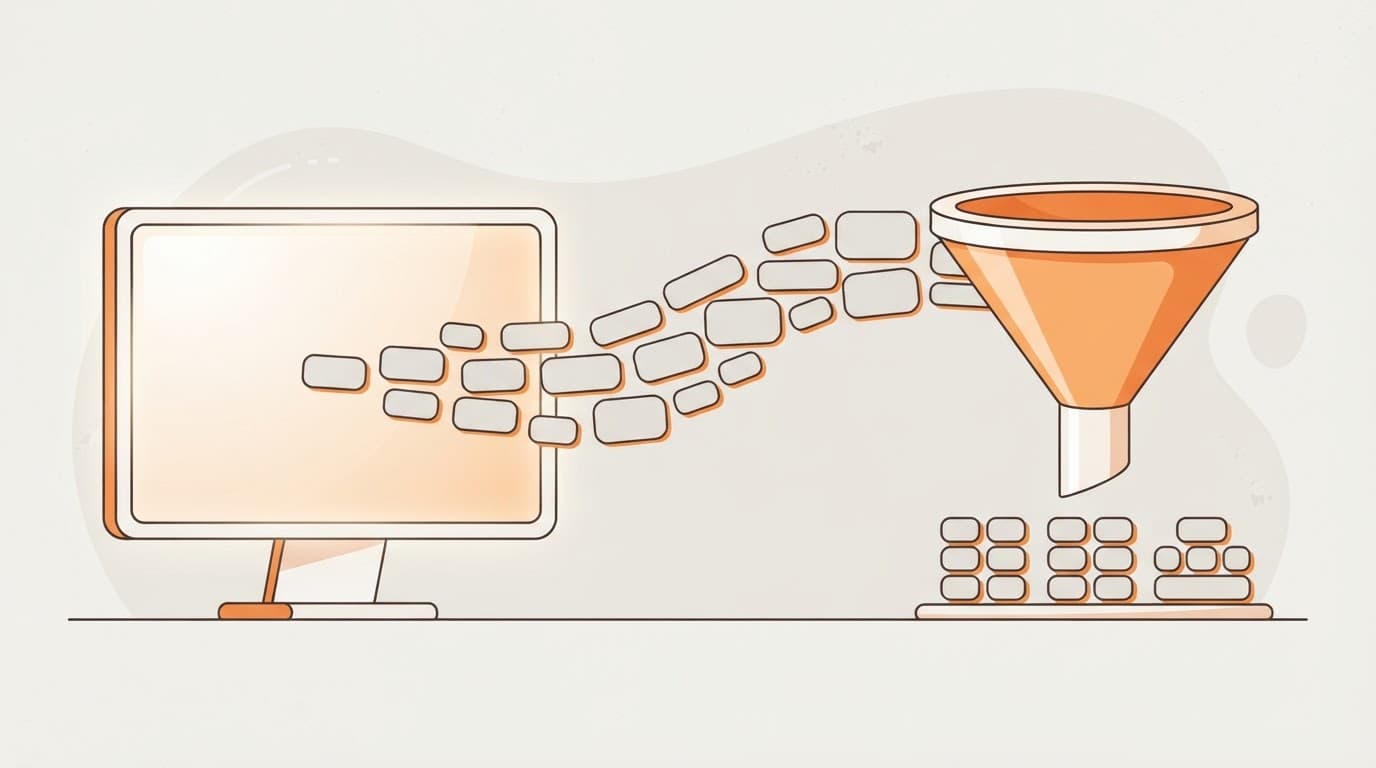
To summarize the comments on a YouTube video, paste its link into sum.video, open the summary and ask for the comment summary. You get what viewers agree on and where they push back, in a few minutes instead of an hour of scrolling. This guide shows the steps, when the comments are worth reading and what a summary of them cannot tell you.
Why read the comments at all
A video is one person's view. The comments are the audience's reaction, and for some videos they hold the most useful part:
- Tutorials. Viewers point out that a step is outdated, that a setting moved or that there is a faster way. The fix is often in the comments, not in the video.
- Product reviews. Owners add what the reviewer missed after months of use.
- Opinion and news videos. The comments show whether the claim holds up or whether viewers keep correcting the same point.
- Your own videos. If you publish, a summary of the reaction is a quick way to see what to fix or make next.
The problem is volume. A popular video can have thousands of comments, most of them jokes, replies to each other or the same question asked again. Nobody reads them all.
Step by step
- Open the video on YouTube and copy the link. Public videos with comments enabled work best. If the creator turned comments off, there is nothing to summarize.
- Paste the link into sum.video. Go to the homepage and paste it, or put
sum.video/in front of the YouTube address. The video summary opens. - Ask for the comment summary. Open the comments summary for the video. It describes what viewers agree on and what they push back on.
- Choose your language. Summaries come in any of 17 languages, whatever language the comments are written in, so you can read a discussion that is in a language you do not read well.
- Compare it with the video itself. Read the key insights of the video summary, then the comment summary. Where the viewers disagree with the video, jump to that timestamp and judge for yourself. See how timestamped summaries work.
- Copy what you need. Use Copy as Markdown to paste the summary into Notion, Obsidian or a document.
If you use ChatGPT or Claude, the sum.video connector can summarize a video's comments from inside the chat as well. See connectors and using sum.video in ChatGPT.
What a good comment summary looks like
A useful result separates three things:
| Part | What to look for |
|---|---|
| Agreement | Points many viewers repeat, such as "the second method works best" |
| Pushback | Corrections, objections and warnings, such as "this breaks on the newest version" |
| Open questions | What people keep asking that the video does not answer |
Pushback is usually the most valuable part. A comment that many people repeat is more reliable than a single confident reply, but a summary tells you that something was said often, not that it is true.
A short example
Say you are about to follow a 40-minute video on setting up a home network. The video summary tells you the steps. The comment summary then tells you that most viewers had it working, that several got stuck on the same step because a menu was renamed, and that some recommend a different cable type. You now know where to slow down before you start, and you saved yourself the same trouble. This is an invented example, but it is the typical value: not a verdict, but a warning list and a set of alternatives.
How to get the most out of it
- Summarize the comments after the video, not instead of it. The comments react to the video. Without it they can be confusing.
- Look for repeated points. One person saying a thing is an opinion. Ten people saying it is a signal.
- Check the date. Old videos collect old comments. A fix that worked three years ago may not work today.
- Use it to pick what to watch. Before you spend an hour on a video, read the video summary and the comment summary. Our guide on avoiding clickbait with summaries shows the same idea for titles.
- Do it for several videos. If you compare tools or tutorials, summarize a few and compare the pushback. For several videos at once, see how to summarize a YouTube playlist.
Where this falls short
- It is a sample, not a poll. The people who comment are not all viewers. They tend to be those with strong opinions or a problem.
- Sarcasm and jokes. Humor and irony are hard to read in short comments and may be taken at face value.
- Spam and bots. Comments are public and not always genuine. A summary reflects what is written, not who wrote it.
- Disabled comments. If comments are off or very few, there is little to summarize.
- It is not a fact check. If a comment claims something, check the claim yourself before you rely on it.
Limits and cost
A free account gets one comment summary a week. Pro has unlimited comment summaries and costs $4.99 a month, or $39.90 a year with a 15-day free trial on the annual plan. Free accounts also get 3 summaries and 3 chat messages a week, with no credit card. Details are on the pricing page.
Sources
Frequently asked questions
Can I summarize YouTube comments for free?
Yes. A free account gets one comment summary a week. Pro has unlimited comment summaries.
What does a comment summary show?
It summarizes what viewers agree on and what they push back on, so you do not have to scroll through thousands of comments.
Does it work if the comments are in another language?
Summaries come in any of 17 languages on every plan, whatever language the video or its comments are in.
Can I summarize comments inside ChatGPT or Claude?
Yes. The sum.video connector for ChatGPT and Claude can summarize a video and its comments from the chat, after you sign in with a sum.video account.
Can I trust a comment summary?
Treat it as a sample of what commenters said, not a poll or a fact check. Repeated points are a stronger signal than single comments, and you should check important claims yourself.
Related reading
 sum.video Free vs Pro: which plan do you need?Free gives you 3 summaries a week and every core feature. Pro removes the limits. Here is how to tell which one fits the way you watch.
 How to summarize a YouTube video on your iPhone or Android phoneShare a YouTube video to the sum.video app, or paste the link in your phone's browser, and read the key points with timestamps in minutes.
 How to summarize YouTube videos inside ChatGPT or Claude with a connectorAdd the YouTube Summarizer connector to ChatGPT or Claude and summarize videos in the chat.
Latest posts
 How to add chapters to a YouTube video (and generate the timestamps)Add chapters to your YouTube video: the three rules, how to write the timestamps in the description, and how to generate them from the transcript.
 How accurate are AI YouTube summaries? 6 checks before you trust oneAI summaries of YouTube videos are usually good at the main points and weaker on details. Here are six quick checks to catch mistakes before you rely on one.
- sum.video Free vs Pro: which plan do you need?Free gives you 3 summaries a week and every core feature. Pro removes the limits. Here is how to tell which one fits the way you watch.