
How to summarize a YouTube playlist and decide what to watch
Paste a playlist link into sum.video to get one combined summary, the points the videos share, where they differ and a watch, skim or skip order.
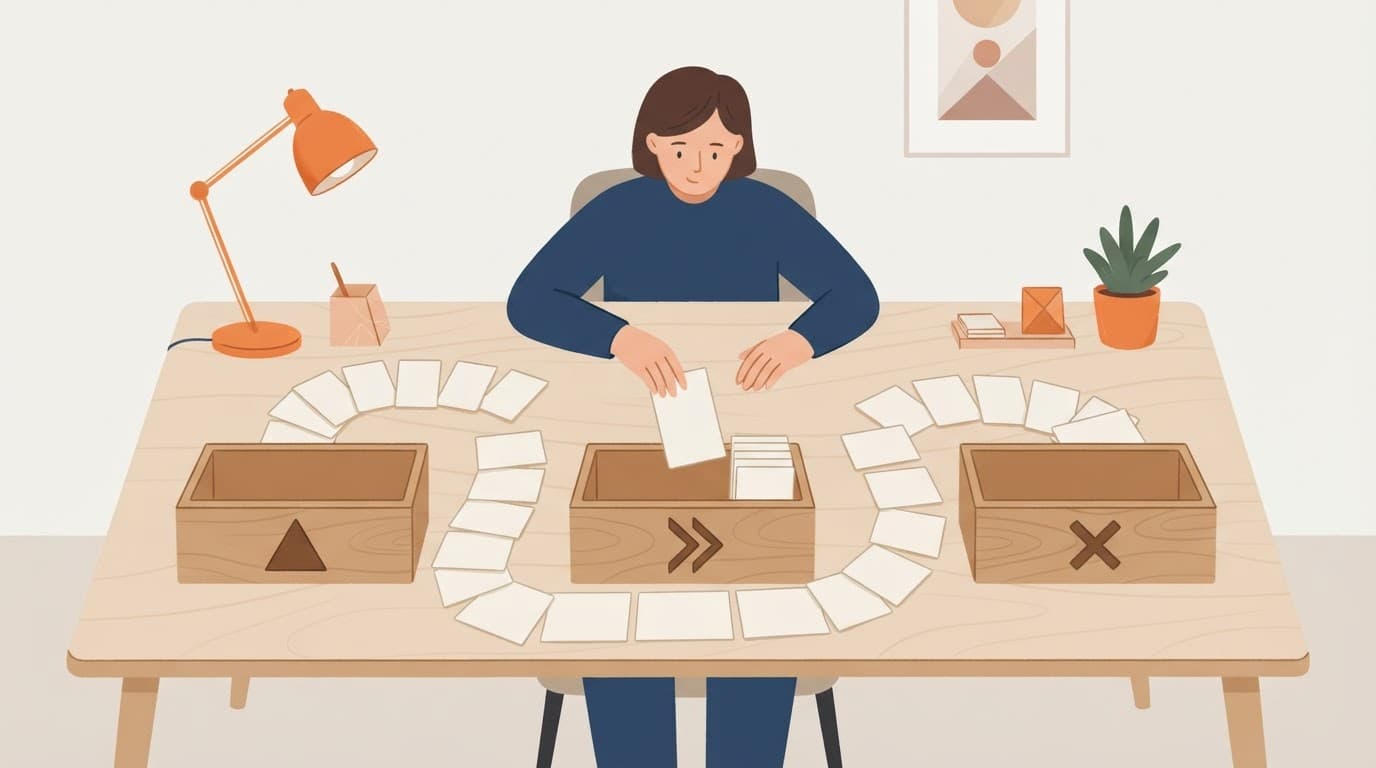
To summarize a YouTube playlist, paste the playlist link into sum.video instead of a single video link. It summarizes each video and writes one combined summary on top, so you can see what the whole playlist says before you press play on anything.
This guide shows the steps, what the combined summary contains, and how to use it to decide what deserves your time. It also covers the limits, because a playlist summary is not the right tool for every list of videos.
Why a playlist is harder than a single video
A playlist of 12 lecture videos or 20 tutorial parts is a pile of hours. Summarizing one video at a time gives you 12 separate summaries, and you still have to compare them yourself: which video repeats the previous one, which one is the real core, which one you can skip.
A combined summary answers the questions that matter for a playlist:
- What is the playlist about as a whole?
- Which ideas come back in several videos?
- Where do the videos disagree or cover different ground?
- In what order should I watch, and what can I skip?
Step by step
- Open the playlist on YouTube and copy its link from the address bar.
- Go to the sum.video homepage and paste the link in the same box you would use for a video.
- Pick the language you want the summary in. Summaries come in any of 17 languages, whatever language the videos are in, on every plan.
- Wait while each video is summarized. The combined summary appears on top of the individual ones.
- Read the combined summary first, then open the individual videos you actually need.
The same works for a channel link or an @handle. For a channel, sum.video takes the channel's latest 10 videos by default.
What the combined summary contains
The combined summary has four parts:
| Part | What it tells you |
|---|---|
| Overview | The topic and purpose of the playlist in a few lines |
| Shared points | Ideas that appear in several videos |
| Differences | Where the videos disagree or cover different things |
| Watch order | Each video marked watch, skim or skip |
Every point links back to the videos, and to the timestamps, it came from. That matters: you do not have to trust the overview. Click the point and jump to the exact moment in the video to check it.
How to use the watch, skim or skip order
Treat the order as a first filter, not a verdict.
- Watch: videos that carry the main content. Start here.
- Skim: videos with a few useful parts. Open the summary of that video, read the key insights, and click the timestamps for the parts you want.
- Skip: videos that repeat other ones or sit outside what you are after. You can still open their summaries if you are curious.
If you know your goal, say so. In a multi-video comparison you can add a question such as "which one explains it best?", and the answer is written with that question in mind. See how timestamps work in a summary if you want to jump straight to the useful minutes.
A worked example
Say you want to learn a skill from a 15-video beginner playlist. You paste the link and read the combined summary. The shared points tell you which five ideas the course keeps returning to. The differences section shows that videos 9 and 10 take a different approach from the rest. The watch order marks videos 1, 2 and 6 as watch, most of the middle as skim, and two intro-style videos as skip.
You now have a plan: three videos in full, a few skims with timestamps, and a clear reason for the rest. That is far shorter than 15 videos, and you still know where everything is. For very long single videos, summarizing long YouTube videos covers the same idea one level down.
Comparing a few videos instead of a playlist
If you only have a handful of videos on the same topic, you do not need a playlist. Use Compare: paste 2 to 10 video links, optionally with a question, and get where they agree, where they differ and which to watch.
Limits and plans
- Only public YouTube videos with captions or a transcript can be summarized. A video without captions in the playlist cannot be summarized.
- On the Free plan you get one multi-video summary a week, for up to 3 videos. That is enough to test the idea on a short playlist.
- Pro handles up to 50 videos per run, for $4.99 a month or $39.90 a year (about $3.32 a month), with a 15-day free trial on the annual plan. See pricing for the full list.
- A summary is a map, not a replacement. If a topic is critical, such as medicine or law, watch the source parts and do not rely on the summary alone.
- It summarizes YouTube videos only. A playlist that links to podcasts or articles elsewhere will not be covered.
After the summary
Once you know which videos matter, you can keep the result. Summaries are saved to your account and appear in your library. Use Copy as Markdown to paste the main points and timestamped chapters into Notion, Obsidian or a document, as described in turning videos into notes.
For a series that keeps growing, subscribe to the channel inside sum.video instead of re-pasting a playlist. It checks subscribed channels every morning and lists new videos from the last 14 days in one place.
Frequently asked questions
Can sum.video summarize a whole YouTube playlist?
Yes. Paste the playlist link on the homepage. It summarizes each video and writes one combined summary with an overview, shared points, differences and a watch order.
How many videos can I include on the Free plan?
Free accounts get one multi-video summary a week, for up to 3 videos. Pro handles up to 50 videos per run.
What does the watch, skim or skip order mean?
Each video in the combined summary is marked watch, skim or skip, so you can see where to start and which videos mostly repeat others. Each point links to the videos and timestamps it came from.
What happens to videos without captions in the playlist?
They cannot be summarized. sum.video reads the public transcript, so a video needs captions or a transcript.
Can I summarize a channel instead of a playlist?
Yes. Paste a channel link or an @handle. By default it takes the channel's latest 10 videos.
Related reading
 sum.video Free vs Pro: which plan do you need?Free gives you 3 summaries a week and every core feature. Pro removes the limits. Here is how to tell which one fits the way you watch.
 How to summarize a YouTube video on your iPhone or Android phoneShare a YouTube video to the sum.video app, or paste the link in your phone's browser, and read the key points with timestamps in minutes.
 How to summarize YouTube videos inside ChatGPT or Claude with a connectorAdd the YouTube Summarizer connector to ChatGPT or Claude and summarize videos in the chat.
Latest posts
 How to add chapters to a YouTube video (and generate the timestamps)Add chapters to your YouTube video: the three rules, how to write the timestamps in the description, and how to generate them from the transcript.
 How accurate are AI YouTube summaries? 6 checks before you trust oneAI summaries of YouTube videos are usually good at the main points and weaker on details. Here are six quick checks to catch mistakes before you rely on one.
- sum.video Free vs Pro: which plan do you need?Free gives you 3 summaries a week and every core feature. Pro removes the limits. Here is how to tell which one fits the way you watch.