
How to compare several YouTube review videos before you buy
Five reviews, five opinions. Here is how to see where reviewers agree, where they differ and which video is worth your time before you buy.
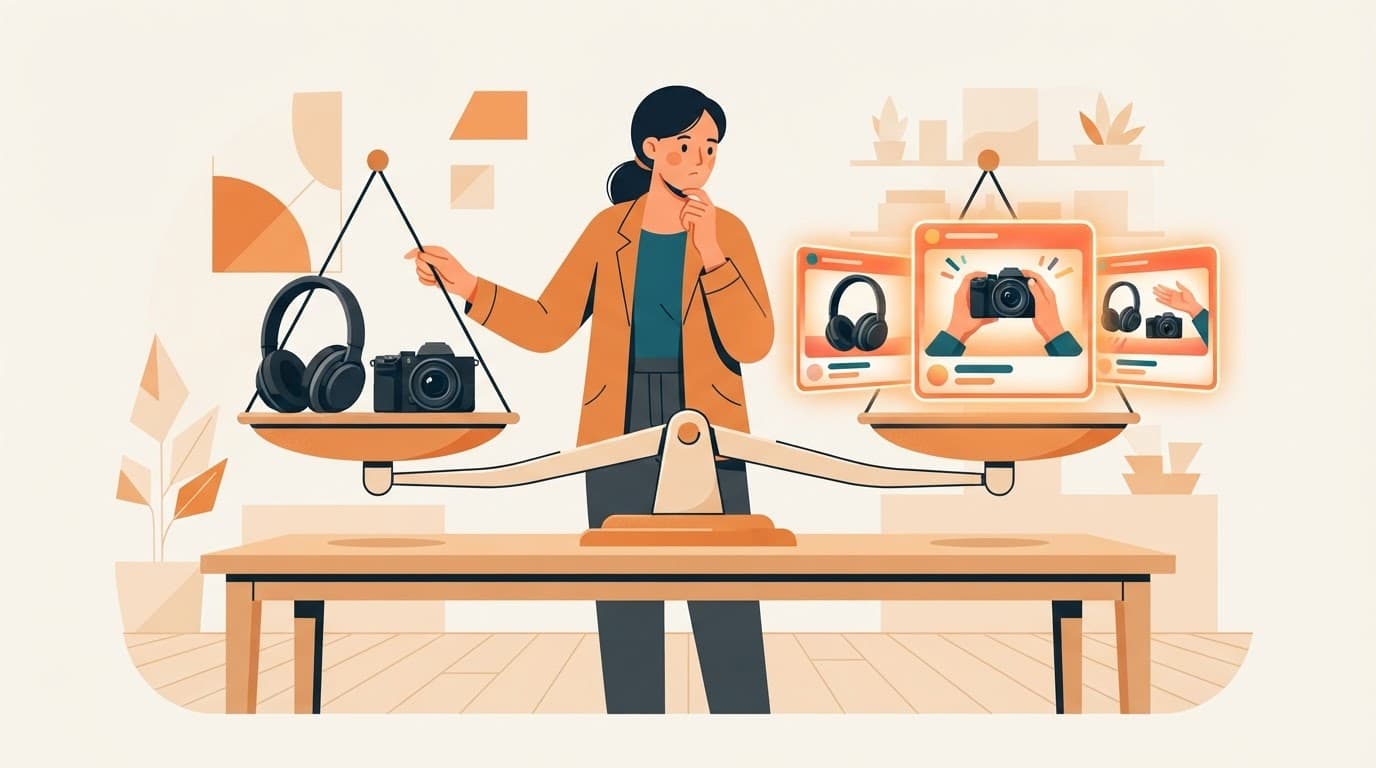
Before buying a camera, a laptop or a pair of headphones, many people watch three to five YouTube reviews. That is hours of video, and by the end the opinions blur. A faster way is to summarize each review, then compare them side by side: where they agree, where they differ and which one deserves your full attention. This article shows how, using sum.video.
Why review videos are hard to compare
Reviews have a common shape: an intro, a long look at the design, a section on performance, a verdict. Each reviewer spends time on different things, and many videos include sponsor segments, repeated points and long stories.
When you watch them one after another, you remember the last one best. Notes help, but taking notes on five videos is slow. A summary with timestamps gives you the same notes in a minute per video.
Step 1: Decide your questions first
Write three to five questions before you open any video. For example:
- How is the battery life in daily use?
- What is the main weakness?
- Who is this product not for?
- Is there a cheaper alternative that does the same?
Your questions keep you from being carried along by whichever reviewer is most entertaining.
Step 2: Collect 3 to 5 reviews
Choose reviews from different channels. A mix of long and short videos works well. Avoid picking only videos with the same thumbnail style and title, since they often repeat each other.
Check that each video has captions or a transcript. sum.video reads the public transcript and cannot summarize a video without one.
Step 3: Use Compare
In sum.video, paste 2 to 10 video links and add your question, for example "Which review explains battery life best, and do they agree?" You get:
- Where the videos agree.
- Where they differ.
- Which to watch.
Every point links to the videos and timestamps it came from, so you can check the exact moment. Free accounts get one multi-video summary a week, up to 3 videos. Pro allows up to 50 videos per run. If your reviews are in a playlist, see How to summarize a YouTube playlist.
Step 4: Open the moments that matter
Agreement is useful, and disagreement is where your decision is made. If two reviewers praise the screen and one calls it dim outdoors, open that timestamp and watch the demonstration yourself.
Key moments help here too. Every summary comes with the best parts of the video, and you can watch them back to back with Play all in YouTube's own player.
Step 5: Read the comments
Comments often hold the long-term experience that a launch-week review cannot have. Use the comment summary to see what viewers agree on and push back on. Free accounts get one a week. Read How to summarize YouTube comments for the method.
A simple comparison table
Make a small table in your notes app:
| Question | Reviewer A | Reviewer B | Reviewer C |
|---|---|---|---|
| Battery in daily use | |||
| Main weakness | |||
| Who it is not for | |||
| Verdict |
Fill each cell with a short phrase and a timestamp. You can copy the summary as Markdown to paste the points into your table.
Watch for bias
Summaries make bias easier to spot, but they cannot remove it.
- Sponsorship. If a video was sponsored or the product was a free sample, the reviewer may say so only briefly. Listen for it in the transcript by searching for words like "sponsor" or "sent to me".
- First impressions. A review made in launch week reflects a few days of use.
- Taste. One reviewer's dealbreaker is another's preference. Match the points to your own needs.
- Clickbait. Loud titles do not mean better information. Our guide to avoiding YouTube clickbait helps.
What the summary cannot show
- Visual evidence such as a screen in sunlight or the sound of a speaker is not in a transcript. Watch those moments.
- Prices and availability change. Check a current store page.
- A summary does not test the product. It organizes what reviewers said.
When another approach is better
If you need hard measurements, such as lab test charts, read the reviewer's written report or a dedicated testing site. sum.video summarizes YouTube videos only and does not read web pages or PDFs.
An example of the process
Imagine you are choosing a pair of wireless headphones. You write three questions: comfort over long sessions, call quality and battery life. You find four reviews, paste the four links into Compare with the question "Which one is the most comfortable for long sessions, and do reviewers agree?", and read the answer. Three reviewers call it comfortable, and one says the clamp is tight after two hours. You open that timestamp, listen to the reason and decide whether it applies to your head and your habits. In twenty minutes you have a better view than from four full videos, and you know which single review to watch in full.
Short checklist
- Write your questions.
- Pick 3 to 5 reviews from different channels.
- Compare them with a question.
- Open the timestamps where they disagree.
- Check comments for long-term use.
- Decide, then check the current price.
Pro costs $4.99 a month or $39.90 a year in the US, and prices vary by country. Free accounts are enough for a single purchase decision. See pricing.
Frequently asked questions
How many YouTube reviews should I compare?
Three to five reviews from different channels is usually enough. Compare accepts 2 to 10 video links.
Can sum.video compare videos from different channels?
Yes. Paste 2 to 10 video links, optionally with a question, and get where they agree, where they differ and which to watch.
Is comparing videos free?
Free accounts get one multi-video summary a week, up to 3 videos. Pro allows up to 50 videos per run.
Can a summary detect a sponsored review?
Not by itself. You can search the transcript for words like sponsor to find where it is mentioned, then judge for yourself.
Do the compared points link back to the videos?
Yes. Every point links to the videos and timestamps it came from, so you can check the original moment.
Related reading
 How accurate are AI YouTube summaries? 6 checks before you trust oneAI summaries of YouTube videos are usually good at the main points and weaker on details. Here are six quick checks to catch mistakes before you rely on one.
 Understand a YouTube video in a language you do not speak: 5 practical optionsCaptions, translated summaries and transcripts: how to get the content of a foreign-language YouTube video, and where each option falls short.
 A 2-hour "make money online" video: separate the method from the sales pitchTurn a long side hustle video into the steps, the costs and the pitch moments, so you can decide in 10 minutes whether to try it.
Latest posts
 How to add chapters to a YouTube video (and generate the timestamps)Add chapters to your YouTube video: the three rules, how to write the timestamps in the description, and how to generate them from the transcript.
- How accurate are AI YouTube summaries? 6 checks before you trust oneAI summaries of YouTube videos are usually good at the main points and weaker on details. Here are six quick checks to catch mistakes before you rely on one.
 sum.video Free vs Pro: which plan do you need?Free gives you 3 summaries a week and every core feature. Pro removes the limits. Here is how to tell which one fits the way you watch.