
A 3-hour trading course video: turn it into rules and a checklist
A scenario: you have a long trading education video and one evening. Summarize it, check the claims at the timestamps and end with a short rule list.
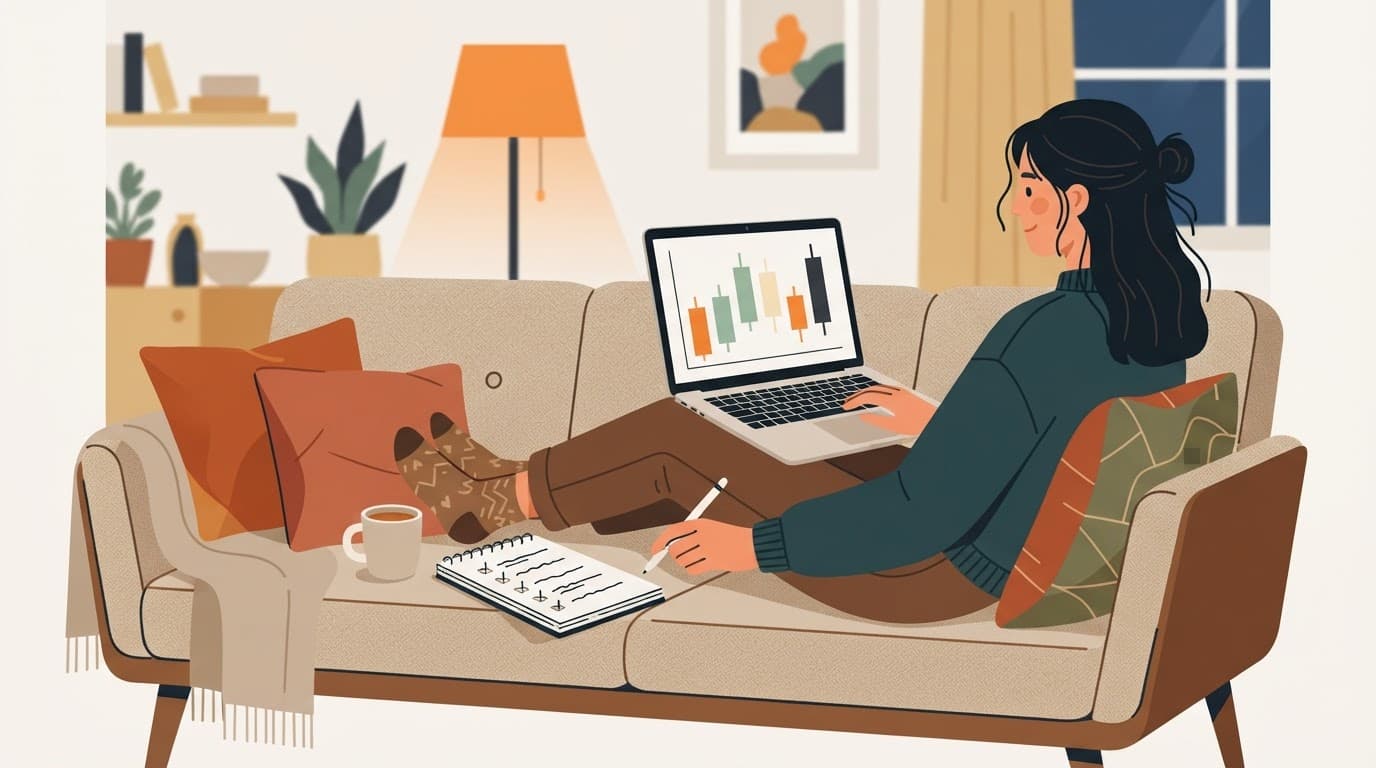
A long trading video is easy to start and hard to finish. The practical way to learn from one is to summarize it first, pick the parts that contain concrete rules, check those parts in the video, and write a short checklist of your own. This scenario walks through exactly that with sum.video.
The situation
You are a beginner or early intermediate trader. A friend sent you a 3-hour YouTube course on a trading approach, and you have one evening. The speaker talks fast, shows many charts and mixes real rules with stories about past trades. You do not want to watch it all at 1x, and you do not want to skip the one part that matters.
The constraint is time, and a second one is trust: you cannot judge from the start whether the video is solid or mostly stories.
What you need out of it
Not a transcript and not a vague overview. You want:
- The rules the speaker actually uses (entries, exits, risk limits), in plain words.
- The examples that illustrate each rule, with the minute they appear.
- A short list of claims you want to test yourself before using any of it.
- A one-page checklist you can keep next to your notes.
This is about learning how a method works. It is not financial advice, and a summary cannot tell you whether a method makes money.
Step by step
- Paste the link. Copy the video URL and paste it on the sum.video homepage, or put sum.video/ in front of the YouTube URL. Choose your summary language.
- Read the key insights. You see a list of insights, each with a clickable timestamp. Scan them for sentences that read as rules (risk no more than a set share) versus stories (last year I did this).
- Jump to the rule moments. Click the timestamp of each rule. Watch 30 to 60 seconds around it. This is where you check that the summary matches what was said.
- Search the transcript. Open the transcript tab and search for words such as stop, risk, entry or target. Every hit is a line you can click to jump to. Searching a transcript finds the details the insights compress.
- Ask the chat. Use the chat about the video, which answers from the transcript. Ask what exact conditions the speaker requires before entering a trade, and which risk limits the speaker mentions. If the transcript does not contain the answer, you learn that too. See chatting with a transcript.
- Copy as Markdown. Copy the summary with its main points and timestamped chapters and paste it into your notes app.
- Write your checklist. From the rule moments, write 8 to 10 lines in your own words. Keep what is specific, drop what is vague.
What you end up with
After about 45 minutes instead of 3 hours you have a note like this:
| Item | Example entry | Where |
|---|---|---|
| Setup | Price returns to a marked level after a strong move | 0:42:10 |
| Confirmation | Waits for a candle to close beyond the level | 0:47:30 |
| Risk limit | Fixed small share of the account per trade | 1:12:05 |
| Exit | Takes partial profit at a set multiple of the risk | 1:30:20 |
| Claim to test | Works on every market | 2:05:00 |
The example is invented to show the format. Your note will hold what your video says, each line linked to the minute where you can check it. The last row matters most: a good note separates what the speaker does from what the speaker promises.
Where this falls short
- Charts are not in the transcript. sum.video reads the public transcript. If the speaker points at a chart, the summary cannot see the chart. Watch those moments.
- No captions, no summary. A video without captions or a transcript cannot be summarized.
- A summary does not validate a strategy. It tells you what was said. Whether it works needs your own testing on data and, ideally, small risk.
- Hype looks like content. Confident delivery can survive summarizing. The comment summary can help: it shows what viewers agree on and push back on. Free accounts get one a week and Pro is unlimited.
- One video is not a course. If the course has many parts, use a playlist summary or see summarizing long videos.
Keep it
Summaries are saved to your account and your library. Save the best rules as individual points to a collection with Wisdom (one default collection on Free, more with Pro). Later, Pro lets you ask your library a question across everything you have summarized, with links to the videos and timestamps behind each answer. The idea of building on this is in building a video knowledge base.
The Free plan includes 3 summaries a week, which is enough to try this on one video. Pro is $4.99 a month; see pricing.
A realistic time budget
It helps to plan the evening instead of drifting through the video. A rough split for a 3-hour video:
- 10 minutes: paste the link and read the key insights from top to bottom.
- 20 minutes: click through the timestamps of the rules and watch the short stretches around them.
- 10 minutes: search the transcript for the terms you care about and ask the chat two or three precise questions.
- 15 minutes: write your own checklist and mark the claims you want to test.
If a part of the video turns out to be dense and important, give it more time and watch it in full. The aim is not to avoid the video. It is to spend your attention where the video is actually dense, and to leave with something written down that you can use a week later, when the details of the evening have faded.
Frequently asked questions
Can sum.video tell me if a trading strategy works?
No. It summarizes what is said in the video from its transcript. Whether a method works needs your own testing, and nothing here is financial advice.
What if the speaker explains things only on a chart?
The summary is built from the public transcript, so it cannot see charts. Use the timestamps to watch those moments yourself.
How do I check that a summary matches the video?
Each key insight has a clickable timestamp. Click it, watch a short stretch around it and compare. The transcript tab is searchable too.
Can I ask questions about the video?
Yes. The chat answers from the transcript, so you can ask for the exact conditions or limits the speaker mentions.
Does it work on videos without captions?
No. A video needs captions or a transcript to be summarized.
Related reading
 A 10-hour dropshipping course on YouTube: turn it into a launch checklistTurn a long online business course on YouTube into a checklist you can act on this week.
 How accurate are AI YouTube summaries? 6 checks before you trust oneAI summaries of YouTube videos are usually good at the main points and weaker on details. Here are six quick checks to catch mistakes before you rely on one.
 A 2-hour "make money online" video: separate the method from the sales pitchTurn a long side hustle video into the steps, the costs and the pitch moments, so you can decide in 10 minutes whether to try it.
Latest posts
 How to add chapters to a YouTube video (and generate the timestamps)Add chapters to your YouTube video: the three rules, how to write the timestamps in the description, and how to generate them from the transcript.
- How accurate are AI YouTube summaries? 6 checks before you trust oneAI summaries of YouTube videos are usually good at the main points and weaker on details. Here are six quick checks to catch mistakes before you rely on one.
 sum.video Free vs Pro: which plan do you need?Free gives you 3 summaries a week and every core feature. Pro removes the limits. Here is how to tell which one fits the way you watch.