
YouTube key moments: how to watch only the best parts of a long video
Key moments are the 5 to 7 best parts of a video, each with a title. Here is what they are, how to use them and when to watch the whole video instead.
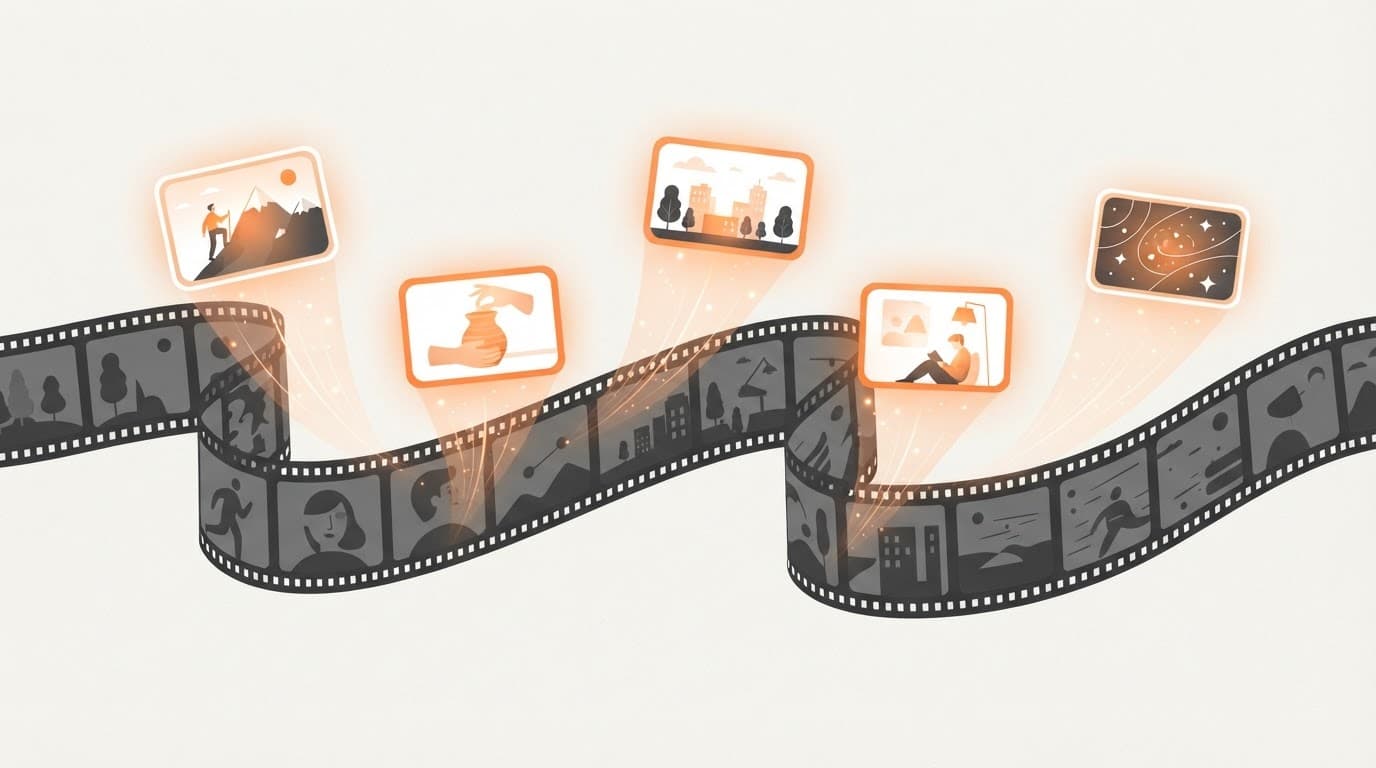
Key moments are the best parts of a YouTube video, picked for you and listed with a title and a one-line summary. In sum.video every summary includes them, so you can watch the 5 to 7 parts that matter instead of the whole video, and you can play them back to back.
What key moments are
A key moment is a short stretch of a video that carries a main idea, a turning point or a useful step. For each one you get:
- a title that says what happens there,
- a one-line summary,
- a link to that point in the video.
A summary has 5 to 7 key moments for most videos, and 2 to 4 for videos under 8 minutes. They come with every summary at no extra quota, and watching them is free.
How they differ from the other parts of a summary
A summary has several layers, and each answers a different question:
| Part | Answers | Best for |
|---|---|---|
| Key insights with timestamps | What are the main points? | Reading in a minute |
| Transcript | What exactly was said? | Searching for a word or quote |
| Chat | Can you answer my question about it? | Specific questions |
| Key moments | What should I actually watch? | Watching less, not just reading less |
The insights replace watching. Key moments reduce watching. That is a useful difference: some videos you want to see, not just read about, such as a demo, a debate or a technique.
How to use them
- Paste the YouTube link on sum.video or put
sum.video/in front of the video's address. - Open the key moments in the summary and read the titles. Often one title tells you the video is not for you.
- Click a moment to jump to it, or use Play all to watch them back to back. Play all works in YouTube's own player on the website and in the Chrome extension. In the apps, each moment opens YouTube at that point.
- If you want more context around a moment, click the nearest insight timestamp or search the transcript.
Nothing is downloaded or cut. The video plays on YouTube.
Pro: choose the length or the topic
With Pro you can set the total length of the key moments to 3, 5 or 10 minutes, or keep only the parts about a topic you type, such as "pricing". This is handy for a long product review where you only care about one aspect, or a two-hour interview where you want the section on one subject. See pricing for the plans: Pro is $4.99 a month, or $39.90 a year with a 15-day free trial on the annual plan.
When key moments work best
- Interviews and podcasts on YouTube. The best stories are spread out between small talk.
- Long tutorials. The hands-on steps stand out. A video that shows a repair step by step is a good example.
- Livestream replays. Hours of video with a few real highlights. See how to summarize a livestream replay.
- Product reviews. You can jump to the verdict.
- Talks and lectures you are previewing. You get a feel for the content before committing hours. For deeper study, turn the video into notes instead.
When to watch the whole video instead
Key moments are a shortcut, not a replacement for everything.
- Stories, films and performances. The build-up is the point.
- Dense material you need to master. A math proof or a technical lecture loses its thread if you skip the middle.
- Anything safety critical. Watch the full procedure.
- Videos you already love. Skipping them would defeat the purpose.
Picking moments is also a judgment call made from the transcript. A moment that matters to you personally may not be among the 5 to 7 chosen, so use the insights and the chat to find it.
Limits to keep in mind
- The video needs captions or a transcript. Without them, no summary and no key moments are possible.
- The moments come from what was said, not from what was shown, so a purely visual highlight can be missed.
- Videos in a language you do not speak still get summaries in your language, in any of 17 languages, but the video itself stays in its original language, so you will hear the original audio when you play a moment.
Combine them with the rest of your workflow
Key moments pair well with other features. Use the chat to ask for the one thing you wanted to know, copy the summary as Markdown into your notes, and save useful points to a Wisdom collection. If a video's title promises more than it delivers, the key moments reveal it quickly, as described in avoiding YouTube clickbait with summaries.
An example
Say you open a 90-minute interview with a founder. The key moment titles read like a short table of contents: how the company started, the mistake that nearly ended it, how the team hires, and what the founder would do differently. If you came for the hiring advice, you play that one moment and perhaps the one before it for context. You have spent four minutes instead of ninety, and you still know where to return if you want more.
Now take a 12-minute review of a gadget. With a video under 8 minutes you would get 2 to 4 moments, and at 12 minutes you get the full 5 to 7. The moment titled with the verdict is the one most people want, and the others show the battery test and the camera samples. You choose, and nothing else is lost, because the full video is still one click away.
A simple rule
Read the key moment titles first. If two or more sound like what you came for, play them. If none do, close the tab and take back the time. If all of them do, watch the whole video, because it is worth it.
Frequently asked questions
What are key moments in sum.video?
They are the 5 to 7 best parts of a video (2 to 4 for videos under 8 minutes), each with a title and a one-line summary and a link to that point in the video.
Do key moments cost extra quota?
No. They come with every summary at no extra quota, and watching them is free.
Can I watch all key moments in a row?
Yes. Play all watches them back to back in YouTube's own player on the website and in the Chrome extension. The apps open YouTube at each moment.
What does Pro change for key moments?
Pro lets you pick the total length (3, 5 or 10 minutes) or keep only the parts about a topic, such as pricing.
Is the video downloaded or cut?
No. Nothing is downloaded or cut. The video plays on YouTube.
Related reading
 Catching up on a 90-minute news analysis video in 10 minutesA walkthrough for readers who follow current affairs on YouTube: get the main claims, the timestamps to check and the comments in a few minutes.
 A 3-hour trading course video: turn it into rules and a checklistA scenario: you have a long trading education video and one evening. Summarize it, check the claims at the timestamps and end with a short rule list.
 How accurate are AI YouTube summaries? 6 checks before you trust oneAI summaries of YouTube videos are usually good at the main points and weaker on details. Here are six quick checks to catch mistakes before you rely on one.
Latest posts
 How to add chapters to a YouTube video (and generate the timestamps)Add chapters to your YouTube video: the three rules, how to write the timestamps in the description, and how to generate them from the transcript.
- How accurate are AI YouTube summaries? 6 checks before you trust oneAI summaries of YouTube videos are usually good at the main points and weaker on details. Here are six quick checks to catch mistakes before you rely on one.
 sum.video Free vs Pro: which plan do you need?Free gives you 3 summaries a week and every core feature. Pro removes the limits. Here is how to tell which one fits the way you watch.